
Install
Install with PiG
pig install npm:pi-zenInstall with Pi
pi install npm:pi-zenPackages run code with your permissions and influence agent behavior. Catalog inclusion is not a security audit. Review the source before installing a third-party package.
Pi manifest JSON
The pi field of package.json.
{
  "extensions": [
    "./extensions/zen.ts"
  ]
}
README
Written by the package's publisher, shown as published in version 0.3.8 (README.md). PiG does not review it.
pi-zen
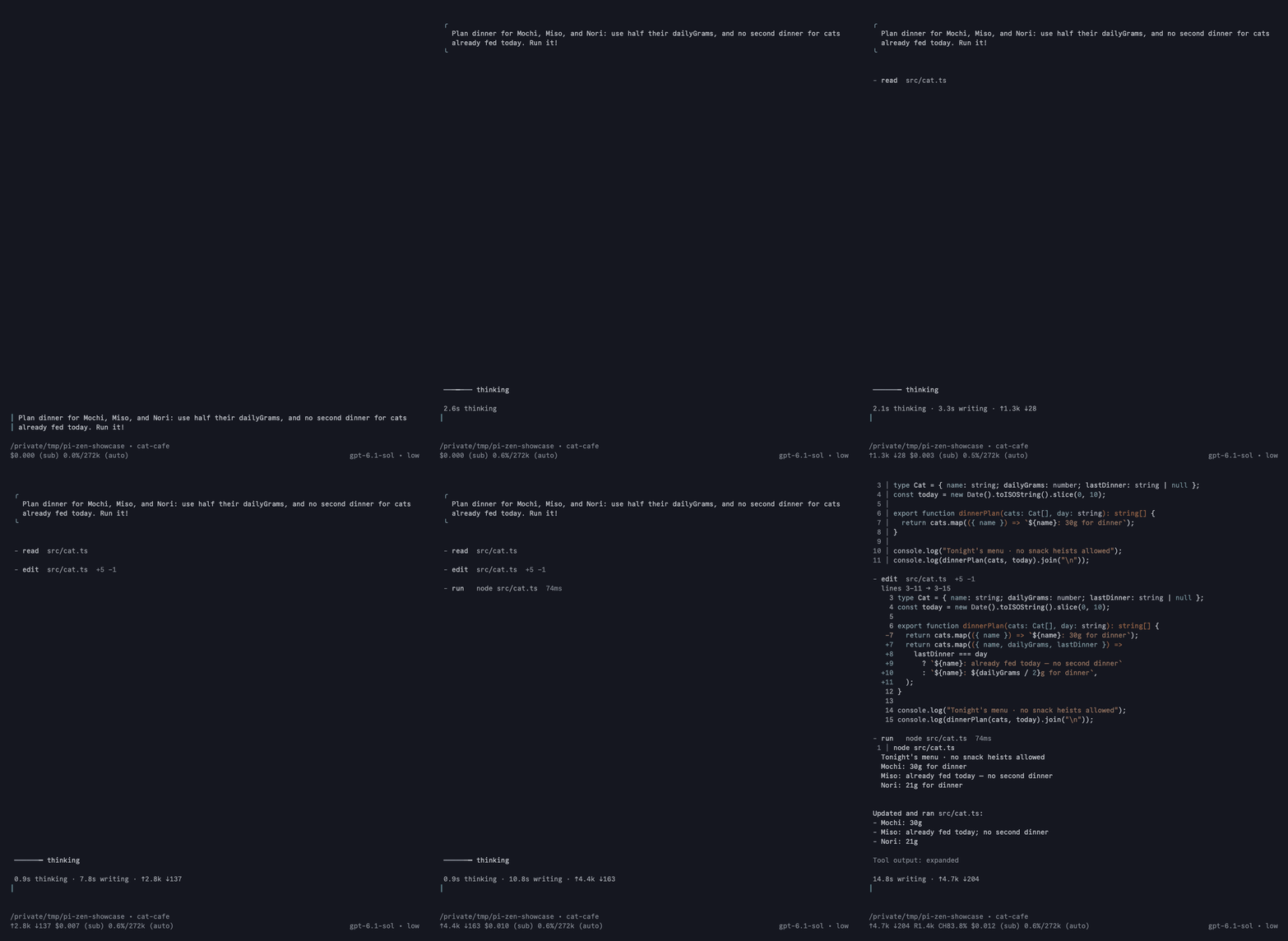
A calmer terminal interface for Pi. Less visual clutter, compact tool activity, and room to follow along and steer the work.
Zen changes presentation—not model prompts, tool execution, or session data. Details stay available when you expand tool rows.
Install
pi install npm:pi-zen
Start Pi as usual. Zen is on by default.
/zentoggles Zen./zen onenables it./zen offreturns to Pi’s native interface.
Zen also quiets Pi’s startup screen. Turning Zen off restores startup settings that Zen changed.
Development
pnpm install
pnpm dev
See the repository guidelines for verification requirements and package scripts for available commands.