
Install
Install with PiG
pig install npm:pi-wechat-assistantInstall with Pi
pi install npm:pi-wechat-assistantPackages run code with your permissions and influence agent behavior. Catalog inclusion is not a security audit. Review the source before installing a third-party package.
Pi manifest JSON
The pi field of package.json.
{
  "image": "https://raw.githubusercontent.com/shenjiecode/pi-wechat-assistant/main/assets/cover.png",
  "prompts": [],
  "extensions": [
    "./index.ts"
  ]
}
README
Written by the package's publisher, shown as published in version 0.6.7 (README.md). PiG does not review it.

pi-wechat-assistant
Continue your pi conversation from WeChat.


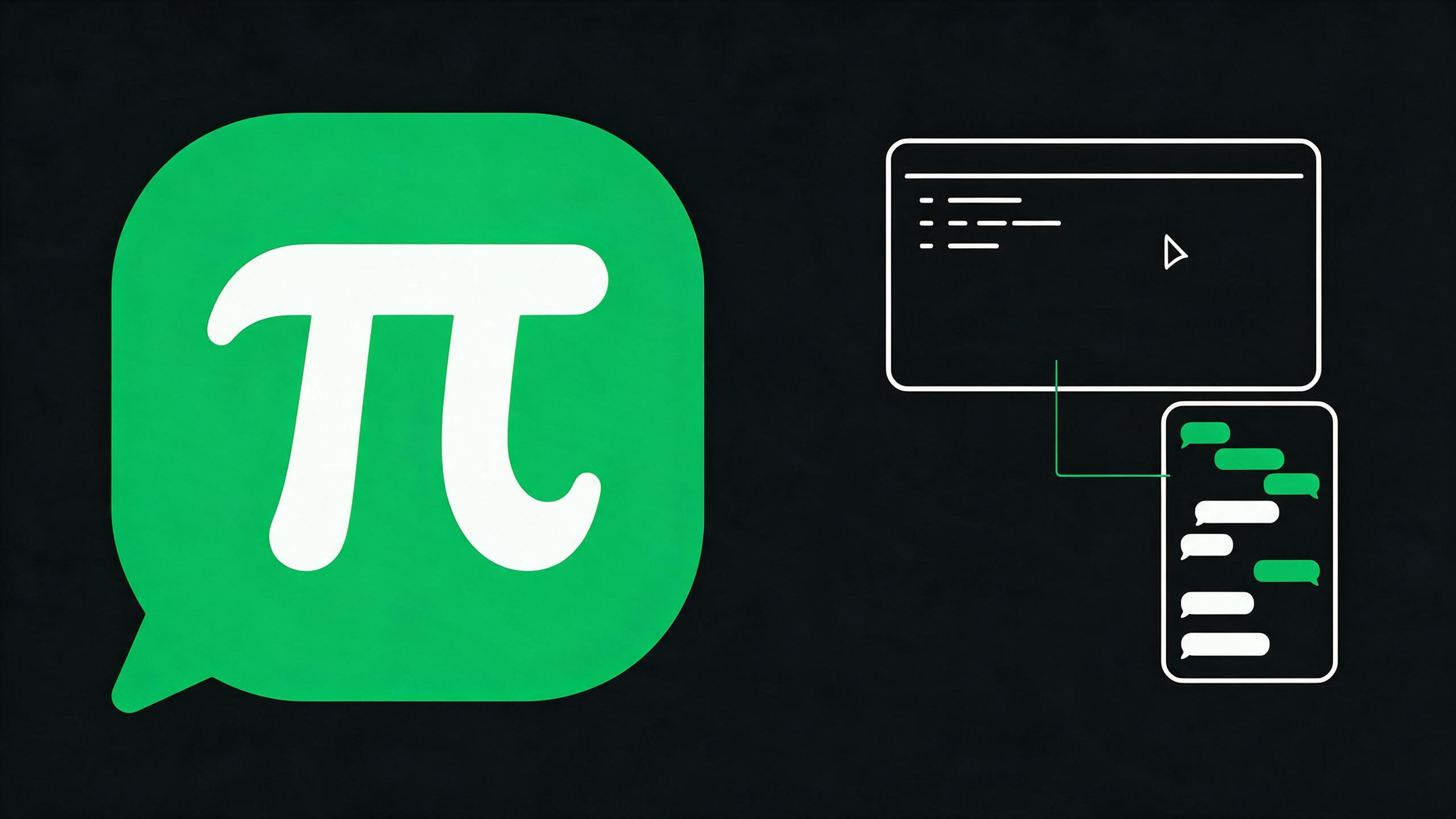
A WeChat extension for pi: send tasks, read replies, and exchange files with a running pi session from your phone.
Features
- Text, images, and files: send tasks and images to pi; receive replies and project files in WeChat.
- Readable replies: full links, code chunks, and customizable reply rules and receipt notifications.
- Optional desktop sync: mirror new desktop input and AI replies, without replaying history.
- Session handoff: move the active WeChat connection between pi sessions.
- Deferred text replies: AI text rejected by WeChat is saved and retried after your next WeChat message, including after a restart. See scope and limits.
Install and start
Requires Node.js ≥20.3.0, a working pi model configuration, and the Node.js version required by your installed pi host.
Run in your system terminal:
pi install npm:pi-wechat-assistant
Reopen pi, then run in its terminal UI:
/wechat login
Scan and confirm in WeChat. Login attempts to start the bridge automatically; send a message and check that an AI reply returns. Later sessions normally need only /wechat start.
Everyday use
| In pi | Purpose |
|---|---|
/wechat start / /wechat stop | Start / stop this session’s bridge |
/wechat status | Check running state and send results |
/wechat config | Configure mirroring, receipts, images, and reply templates |
Press Tab after /wechat to complete subcommands and their arguments (for example /wechat config handoff auto). Completion replaces the word being typed and does not add a space, so type a space before pressing Tab to complete the next argument.
In WeChat, send /help for remote commands. WeChat /stop cancels the AI task; pi /wechat stop stops the bridge.
Send /new in WeChat to start an empty conversation and reconnect the bridge, even with auto-start off. Old history stays on disk; system and project instructions still apply. Requires Pi 0.99.2 or newer. Wait until the current task and pending messages finish, then wait for confirmation before sending the next task. See details and failure recovery.
Keep the computer and pi running. Only the bound WeChat user is accepted, and one bridge can own the shared local account state at a time. Desktop mirroring is off by default. File-only messages are saved; follow with text to request processing. See the FAQ for sending limits and troubleshooting.
Guides
- Hands-on tutorial: real replies, files, and automatic session handoff.
- Quick start: setup and your first verified reply.
- Upgrading: update, restart, and preserve settings.
- FAQ and troubleshooting: login, missing replies, session handoff, and files.
- Settings · All documentation
Contributing
See Contributing for setup and checks, Architecture for code organization, and Security for sensitive reports.