
Install
Install with PiG
pig install npm:pi-shorthandInstall with Pi
pi install npm:pi-shorthandPackages run code with your permissions and influence agent behavior. Catalog inclusion is not a security audit. Review the source before installing a third-party package.
Pi manifest JSON
The pi field of package.json.
{
  "image": "https://raw.githubusercontent.com/sebinsua/shortsight/main/docs/shorthand.png",
  "extensions": [
    "./src/index.ts"
  ]
}
README
Written by the package's publisher, shown as published in version 0.19.0 (README.md). PiG does not review it.
pi-shorthand
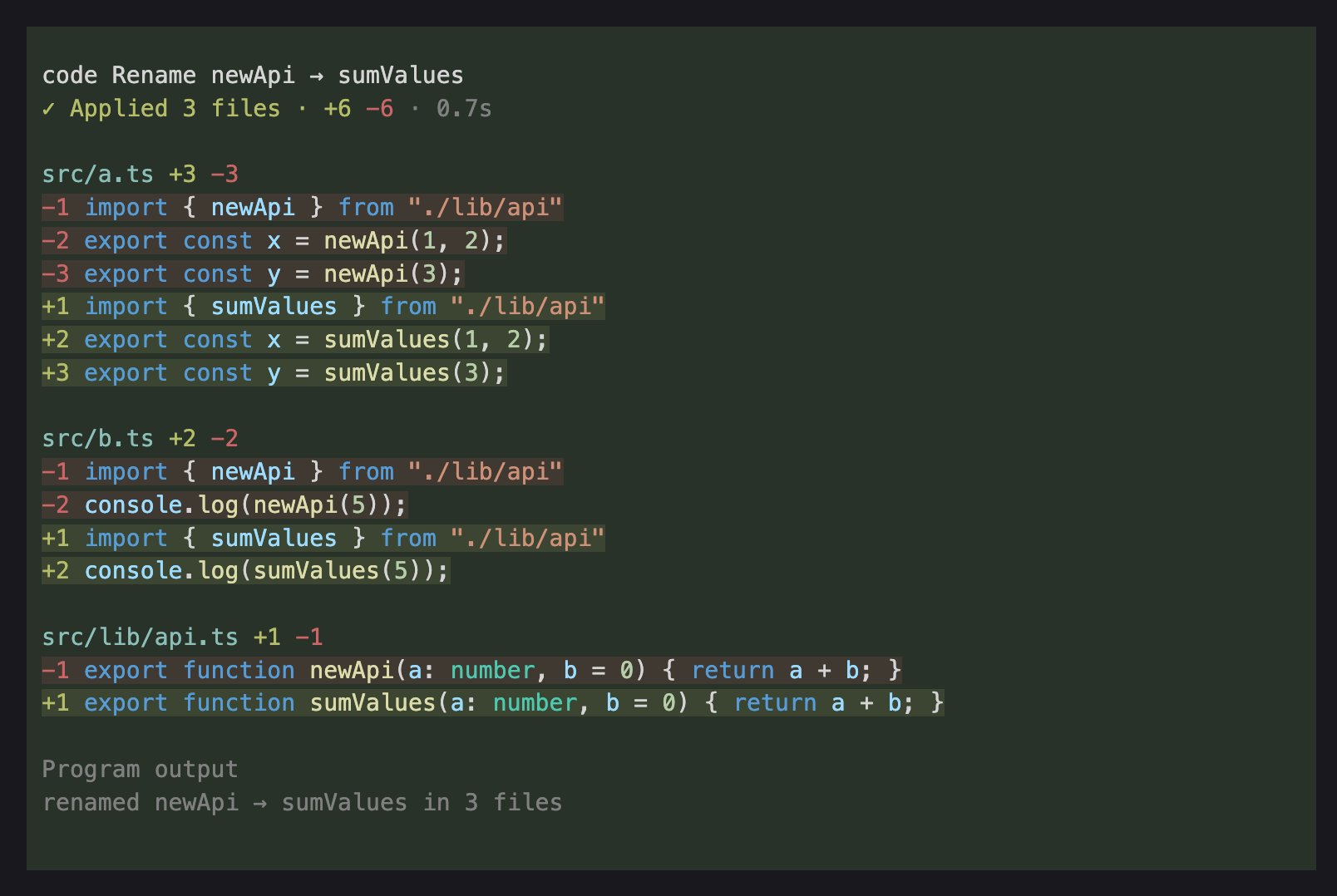
A Pi tool for editing repositories with Bun programs, with first-class support for TypeScript and JavaScript.
Install
Install Bun 1.4 or later, which runs the programs:
curl -fsSL https://bun.sh/install | bash
Then install pi-shorthand:
pi install npm:pi-shorthand
On macOS, install clang and AgentFS:
xcode-select --install
curl -fsSL https://agentfs.ai/install | bash
On Linux, install bubblewrap 0.11 or later, a C compiler, and lsof. For Debian and Ubuntu, check the available bubblewrap version before installing:
apt-cache policy bubblewrap
sudo apt install bubblewrap build-essential lsof
Technical choices
pi-shorthand gives Pi a programming environment instead of a patch format. This makes multi-file and structural edits possible in one call, but does not guarantee that Pi will find it easier or more reliable than its built-in edit tool. Which works better depends on the model and the task.
Programs edit a private workspace, with host files outside the repository kept read-only. Agents are good at improving things a step at a time, so changes are applied a whole file at a time and the agent is told which worked and which didn't. Concurrent edits can cause a run to be rejected; conflict detection is best-effort, not an atomic commit.
The shorthand tool uses Pi's working directory by default. Pass cwd to target another checkout; relative paths are resolved from Pi's working directory. For example, when Pi starts in a bare worktree container, cwd: "child" targets its child worktree. The chosen directory must be inside a Git worktree.
Scripts run by Pi's codemode tool can call shorthand too. They get back what the run changed as data, not text.
Without Pi
The engine is published separately as shorthand-code, with a shorthand command that runs a program from a file or stdin and prints the same result. See shorthand --help.
Code graph (optional)
Install sightread and programs can also ask the TypeScript compiler what calls what, with exact line ranges, before they edit:
npm i -g sightread