
Install
Install with PiG
pig install npm:pi-gpuiInstall with Pi
pi install npm:pi-gpuiPackages run code with your permissions and influence agent behavior. Catalog inclusion is not a security audit. Review the source before installing a third-party package.
Video
Declared by the package manifest. Open the file ↗
Pi manifest JSON
The pi field of package.json.
{
  "image": "https://raw.githubusercontent.com/bytesbay/pi-gpui/main/docs/banner.png",
  "video": "https://pi-gpui.dev/demo.mp4",
  "extensions": [
    "./index.ts"
  ]
}
README
Written by the package's publisher, shown as published in version 0.2.0 (README.md). PiG does not review it.
pi-gpui
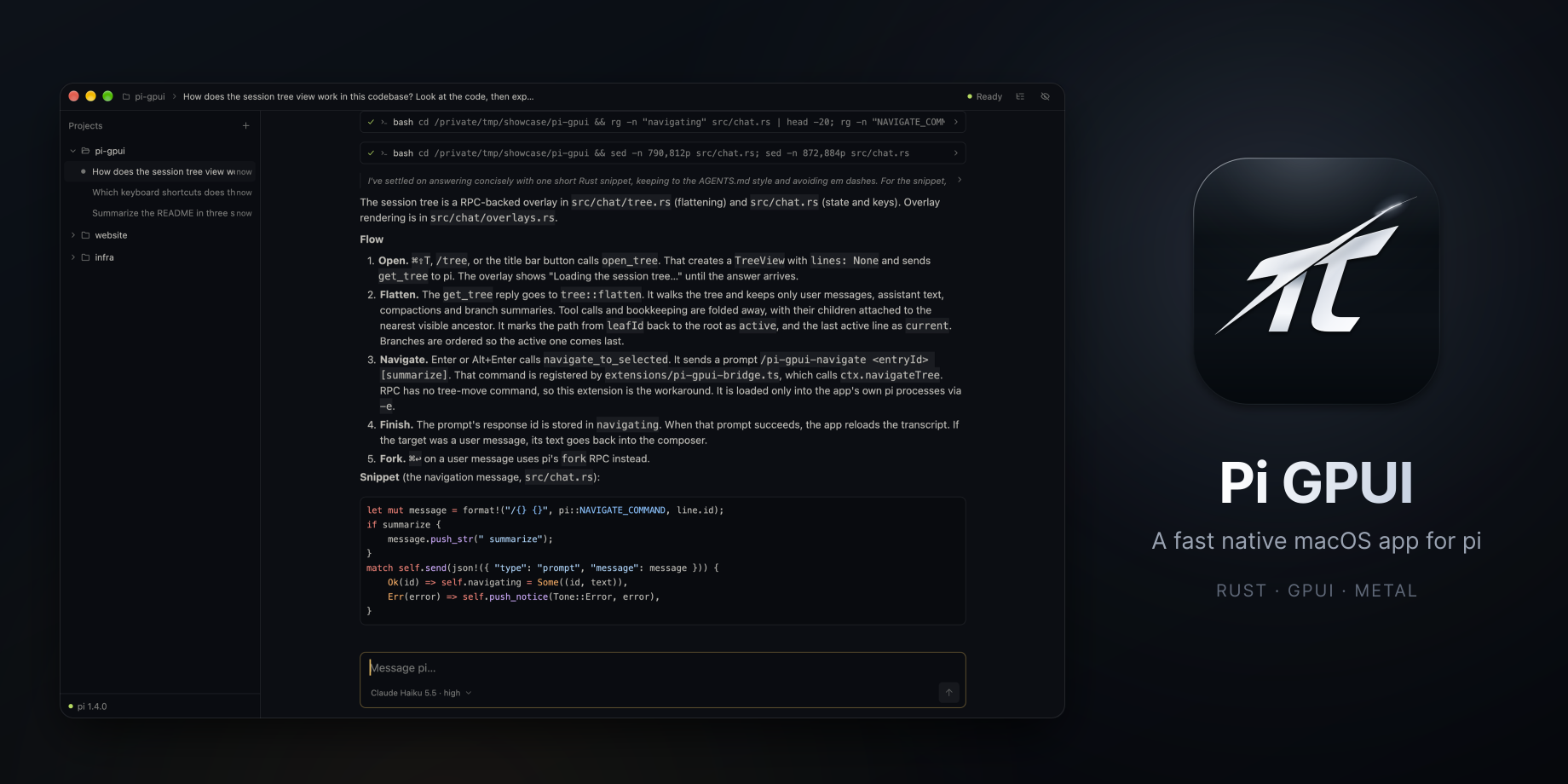
/gpui for pi: continue the session you have open in the terminal in Pi GPUI, the native desktop app for pi on macOS and Linux, written in Rust with GPUI.
Install
pi install npm:pi-gpui
The app, if you don't have it yet:
brew install --cask bytesbay/tap/pi-gpui            # macOS
curl -fsSL https://pi-gpui.dev/install.sh | sh      # Linux
Use
Type /gpui in pi. This pi exits, and the same session opens in Pi GPUI with its project in the sidebar. Without a saved session (--no-session), the project opens there with a new session.
The terminal pi exits first because pi does not protect a session file from two writers.
Needs Pi GPUI 0.1.10 or newer on macOS, 0.2.0 or newer on Linux. Any tool can do the same with a link:
open "pi-gpui://open?workspace=/path/to/project&session=/path/to/session.jsonl"      # macOS
pi-gpui "pi-gpui://open?workspace=/path/to/project&session=/path/to/session.jsonl"   # Linux
License
MIT