
Install
Install with PiG
pig install npm:pi-dejavu-memoryInstall with Pi
pi install npm:pi-dejavu-memoryPackages run code with your permissions and influence agent behavior. Catalog inclusion is not a security audit. Review the source before installing a third-party package.
Pi manifest JSON
The pi field of package.json.
{
  "hooks": [
    "./hooks/session-start.sh"
  ],
  "extensions": [
    "./extensions"
  ]
}
README
Written by the package's publisher, shown as published in version 1.4.8 (README.md). PiG does not review it.
pi-dejavu-memory
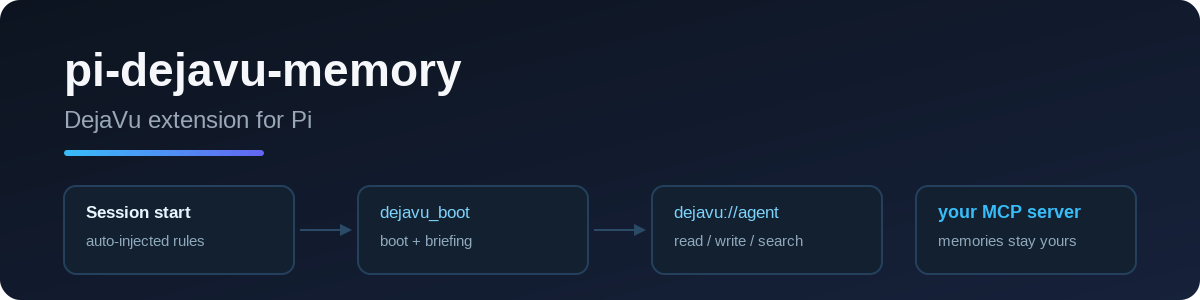
DejaVu extension for Pi — automated memory management with SessionStart boot protocol.
Agent-side companion to a DejaVu MCP memory server on Cloudflare. Also available for dsh: dsh-dejavu-memory.
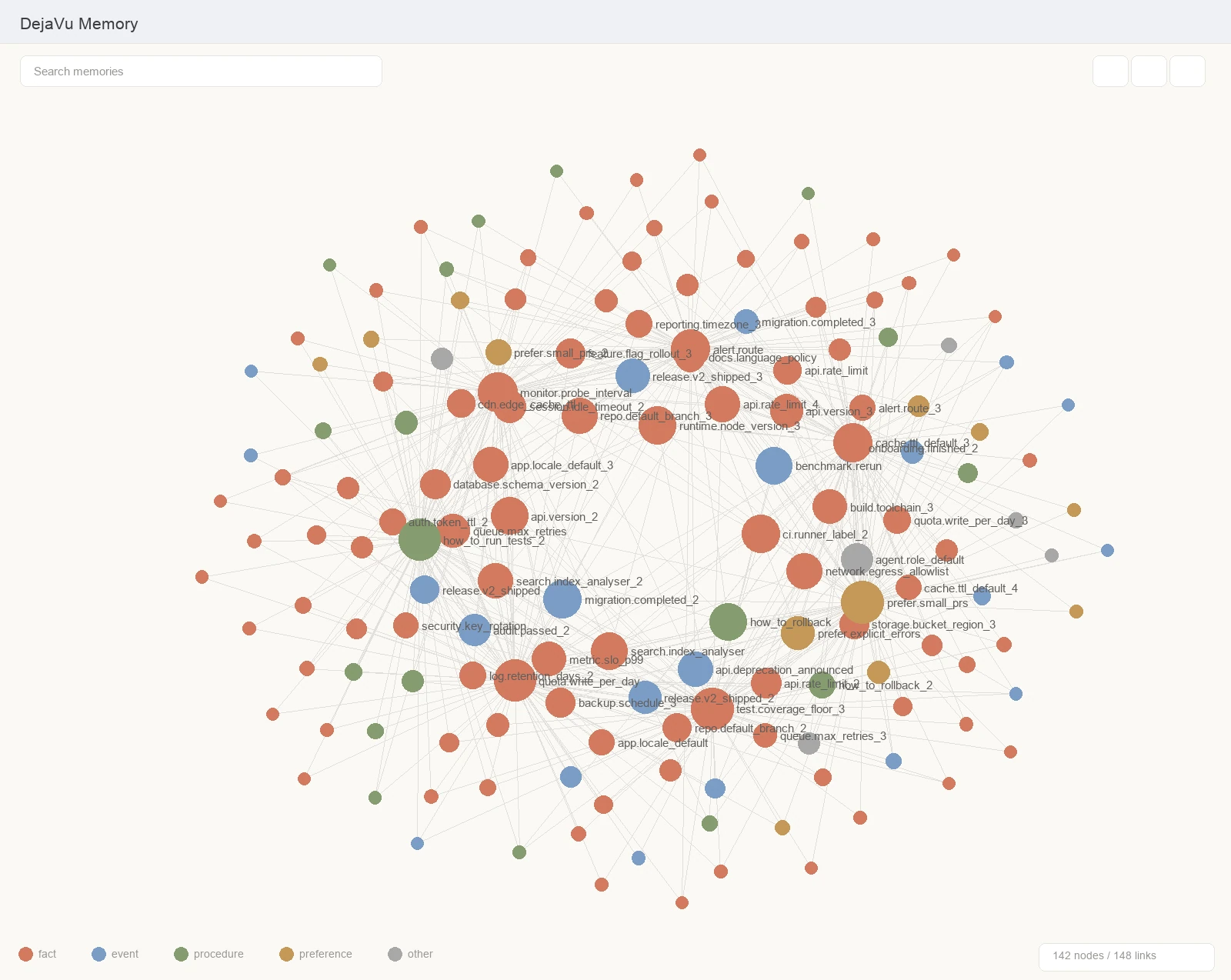
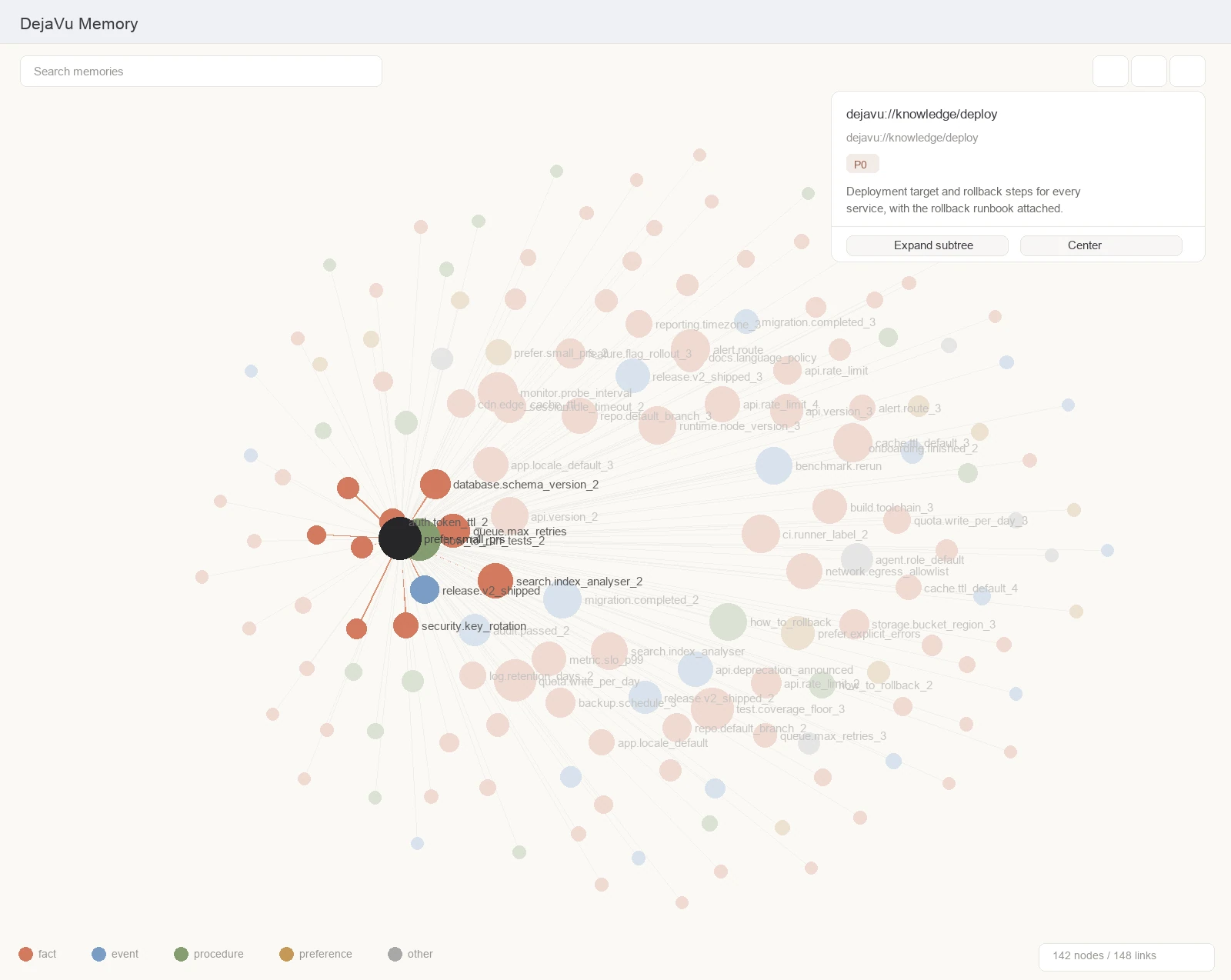
The OpenAI/Codex plugin is the only client that opens the interactive memory graph. Pi uses the same server and boot protocol through tools only; there is no graph UI or direct MCP setup for end users here.
Features
- SessionStart Boot Protocol — the hook emits
DEJAVU_BOOT_REQUIRED; the agent then callsdejavu_boot(readssystem://boot,system://recent/5,system://triggers, then best-effortsystem://briefing) and readssystem://focusto resume active working trees (recentis a briefing subset, so no need to re-read it after boot) - Memory Rules — global rules injected every session for intelligent memory usage (write-judgement, update-over-create, trigger discipline)
- Memory Tools —
dejavu_boot,dejavu_read,dejavu_create,dejavu_update,dejavu_delete,dejavu_search
Install
pi install npm:pi-dejavu-memory
Configure
Add to ~/.claude/rules.md or project rules:
- DejaVu memory rules (from pi-dejavu-memory extension)
Set your MCP endpoint in ~/.pi/agent/extensions/pi-dejavu-memory/config.json:
{ "mcpUrl": "https://dejavu.example.com/mcp", "mcpHeaders": { "CF-Access-Client-Id": "<service-token-id>", "CF-Access-Client-Secret": "<service-token-secret>" } }
For servers behind Cloudflare Access (e.g. dejavu.example.com), pass the service token headers instead of mcpAuth:
{
  "mcpUrl": "https://dejavu.example.com/mcp",
  "mcpHeaders": {
    "CF-Access-Client-Id": "your-client-id",
    "CF-Access-Client-Secret": "your-client-secret"
  }
}
mcpHeaders is merged into every MCP request; mcpAuth (Authorization) can be combined if the server also accepts it.
Without a config file, the extension also accepts DEJAVU_MCP_URL and DEJAVU_MCP_AUTH.
How It Works
- SessionStart Hook — emits
DEJAVU_BOOT_REQUIRED - Agent calls
dejavu_boot— loadssystem://boot,system://recent/5,system://triggers, then best-effortsystem://briefing - Agent reads
system://focus— resume active working trees (recentalready covered by boot/briefing) - Global Rules — memory operation rules injected every session
- Agent uses memory tools — read/create/update/delete based on rules
Tool naming
The dejavu_boot / dejavu_read prefixes make the memory tools explicit in the tool list and in the boot protocol, so agents call them directly instead of probing for a generic resource first.
License
MIT
Related
- dejavu-memory for ChatGPT and Codex — same memory server, with the interactive graph UI
- dsh-dejavu-memory — same memory tools for dsh