
Install
Install with PiG
pig install npm:pi-deepseek-searchInstall with Pi
pi install npm:pi-deepseek-searchPackages run code with your permissions and influence agent behavior. Catalog inclusion is not a security audit. Review the source before installing a third-party package.
Pi manifest JSON
The pi field of package.json.
{
  "extensions": [
    "./index.ts"
  ]
}
README
Written by the package's publisher, shown as published in version 1.2.2 (README.md). PiG does not review it.
pi-deepseek-search
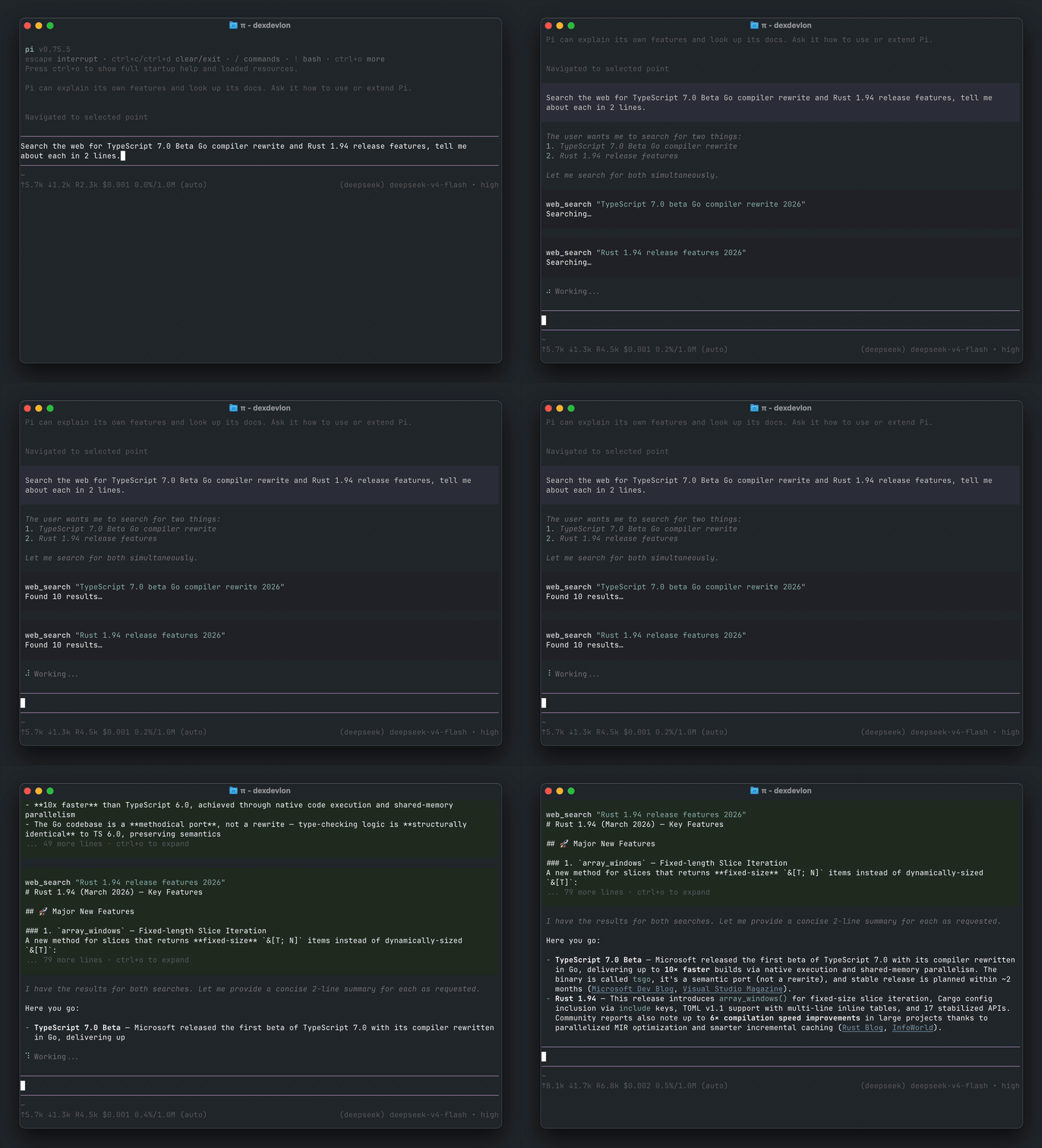
Search the web from Pi using DeepSeek's Search & Fetch APIs.
pi install npm:pi-deepseek-search
web_search takes a query and optional allowed_domains or blocked_domains, and returns links and summaries. web_fetch takes a url and reads the page as Markdown. Search uses the API defaults: 10 results, without full page content.
The extension uses the DeepSeek key from Pi's /login or DEEPSEEK_API_KEY. It works with any active model.
To use the original model-mediated search instead of the standalone Search API:
DEEPSEEK_SEARCH_BACKEND=server pi
Server mode uses an additional DeepSeek model request for search, with DEEPSEEK_SEARCH_MODEL defaulting to deepseek-flash. Fetch remains standalone.
Pricing
Standalone Search and Fetch cost $0.75 per 1,000 successful requests. Failed requests and empty results are free. The tool footer shows an estimated request cost.
Server search adds model-token charges and can make up to five native searches per call. DeepSeek's temporary waiver for server-side request fees ends November 1, 2026 at 00:00 Beijing time; standard request pricing applies after that. Even during the waiver, model-token costs can make server search more expensive than the standalone API.
Prime Agent
prime-deepseek-search provides Search and Fetch as a kernel-callable Python skill for Prime Agent.