
Install
Install with PiG
pig install npm:pi-context-barInstall with Pi
pi install npm:pi-context-barReview before installing
Packages run code with your permissions and influence agent behavior. Catalog inclusion is not a security audit. Review the source before installing a third-party package.
Pi manifest JSON
The pi field of package.json.
{
  "image": "https://raw.githubusercontent.com/Pringled/pi-extensions/main/assets/images/pi-context-bar-dark.gif",
  "extensions": [
    "./extensions/context-bar.ts"
  ]
}
README
Written by the package's publisher, shown as published in version 0.1.2 (README.md). PiG does not review it.
pi-context-bar
A one-line footer for Pi, styled after ccstatusline: the model, git branch, a context bar and the session cost.
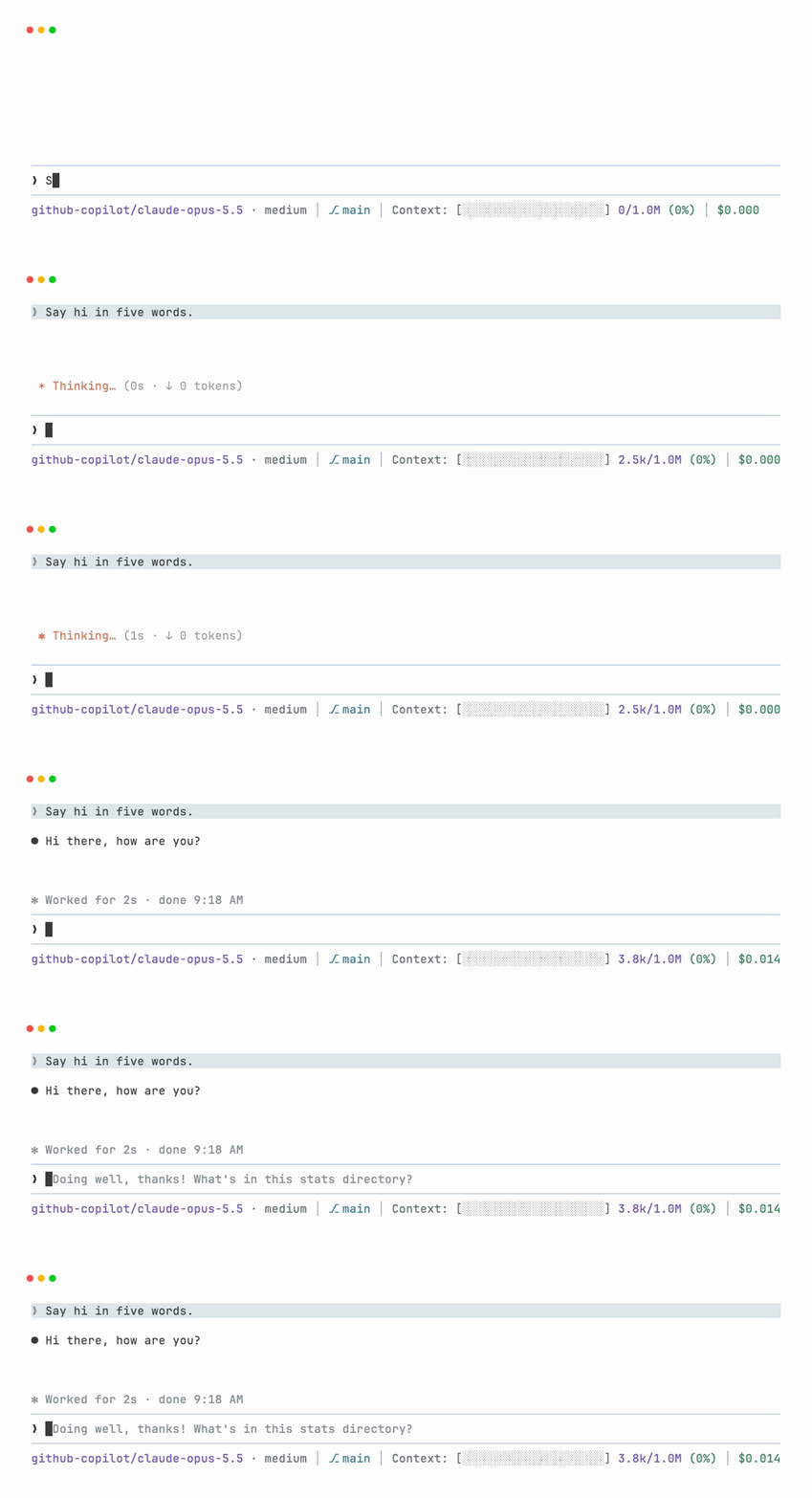
pi install npm:pi-context-bar
What it shows
- The current model, as
provider/model, and its thinking level. - The git branch, or
no gitoutside a repository. - A context bar with used and total tokens. It turns yellow at 50% and red at 80%.
- The total cost of the session so far, left out for local and other free models while it's $0.
- Statuses other extensions set, such as a quota or a running job, when there's room for them.
It replaces Pi's default footer.
License
MIT