
Install
Install with PiG
pig install npm:pi-cavemanInstall with Pi
pi install npm:pi-cavemanPackages run code with your permissions and influence agent behavior. Catalog inclusion is not a security audit. Review the source before installing a third-party package.
Pi manifest JSON
The pi field of package.json.
{
  "image": "https://raw.githubusercontent.com/jonjonrankin/pi-caveman/main/pi-caveman.gif",
  "extensions": [
    "./extensions/caveman.ts"
  ]
}
README
Written by the package's publisher, shown as published in version 1.0.12 (README.md). PiG does not review it.
🪨 pi-caveman
Why use many token when few do trick.
A pi extension that cuts ~75% of output tokens while keeping full technical accuracy. Based on caveman by Julius Brussee.
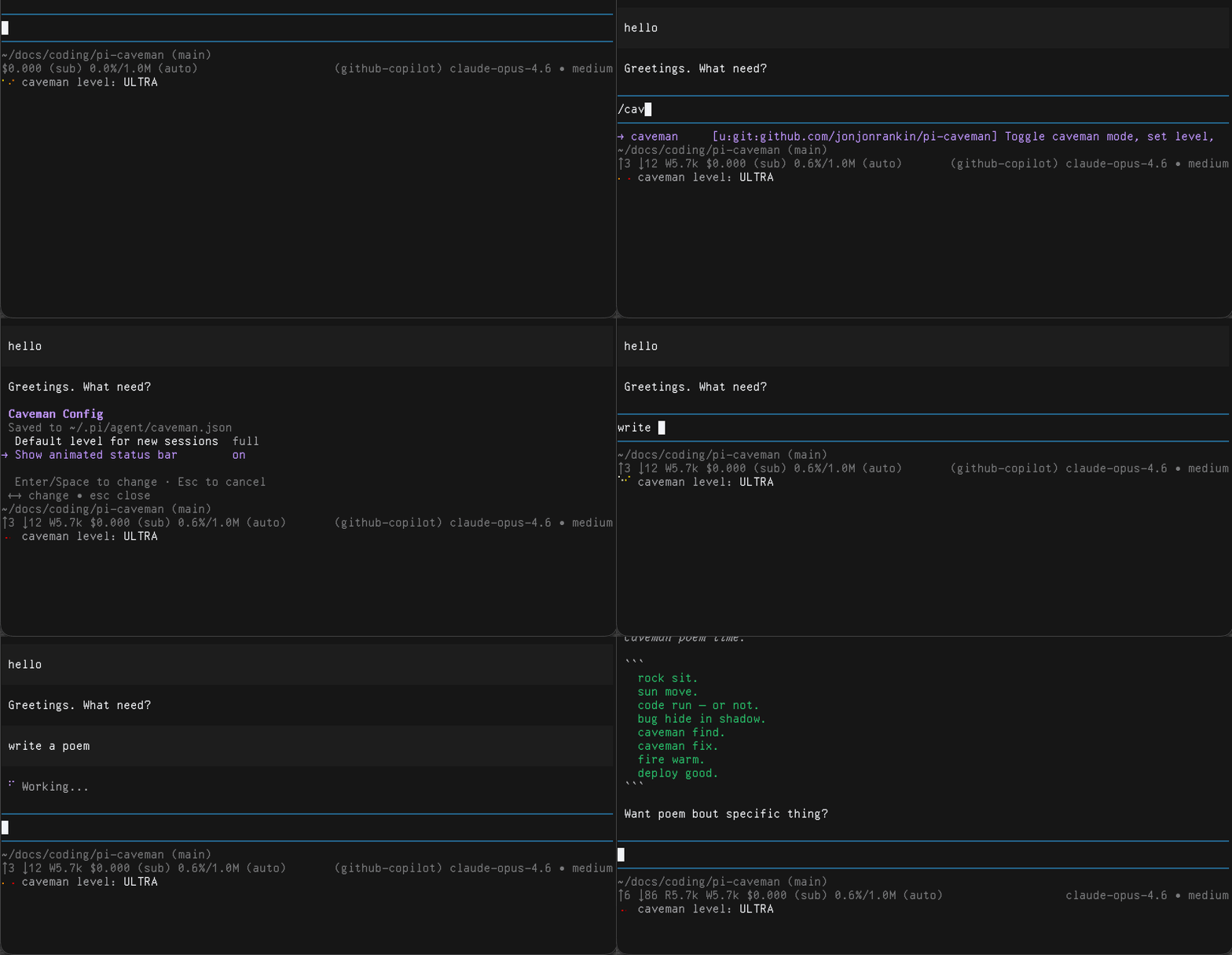
🗣️ Normal (69 tokens)
|
🪨 Caveman (19 tokens)
|
Install
pi install git:github.com/jonjonrankin/pi-caveman
Usage
Toggle Mode
/caveman              Toggle on (full) / off
/caveman lite         Professional, no fluff
/caveman full         Classic caveman (default)
/caveman ultra        Maximum compression
/caveman wenyan-lite  Semi-classical Chinese
/caveman wenyan       Full 文言文
/caveman wenyan-ultra Extreme 文言文
/caveman micro        Experimental prompt-minimized mode
/caveman off          Disable
/caveman stop         Disable (alias)
/caveman quit         Disable (alias)
Settings
/caveman config Open settings dialog
The config dialog lets you:
- Default level — Set a level that activates automatically on every new session (e.g.
fullto always start in caveman mode) - Show status bar — Toggle the animated campfire indicator in the footer
Settings are saved to ~/.pi/agent/caveman.json by default and persist across all sessions. If XDG_CONFIG_HOME is set, the path becomes $XDG_CONFIG_HOME/pi/agent/caveman.json; PI_CODING_AGENT_DIR overrides both.
Status Bar
When active, a status bar displays caveman level and an animated campfire flickers in the footer using colored braille characters. This can be disabled in the /caveman config menu.
Levels
| Level | Style | Example |
|---|---|---|
| Lite | No filler. Full sentences. Professional but tight. | "Your component re-renders because you create a new object reference each render." |
| Full | Drop articles, fragments OK. Classic caveman. | "New object ref each render. Wrap in useMemo." |
| Ultra | Abbreviations, arrows, maximum compression. | "Inline obj prop → new ref → re-render. useMemo." |
| 文言文 Lite | Semi-classical Chinese, grammar intact. | "組件頻重繪,以每繪新生對象參照故。" |
| 文言文 | Full classical terseness. | "物出新參照,致重繪。useMemo Wrap之。" |
| 文言文 Ultra | Extreme classical compression. | "新參照→重繪。useMemo Wrap。" |
| Micro (experimental) | Minimal prompt that reduces size of caveman prompt itself. Drops filler, pleasantries, hedging, keeps technical substance. | "Bug in auth middleware. Token expiry check use < not <=. Fix:" |
How It Works
The extension hooks before_agent_start to add caveman communication rules at the selected intensity. On Pi hosts with systemPromptOptions.sections, it writes a caveman section so later extensions can still add their own prompt sections, and removes that section when disabled. Older hosts use whole-prompt replacement, preserving ordered prompt blocks on OMP. Within a session, the active level is stored as a custom session entry and restored on resume. Across sessions, persistent config (~/.pi/agent/caveman.json by default, or $XDG_CONFIG_HOME/pi/agent/caveman.json when XDG_CONFIG_HOME is set; PI_CODING_AGENT_DIR overrides both) provides the default level and status bar preference. Auto-clarity rules tell the model to drop caveman mode for security warnings or irreversible actions.
Warning
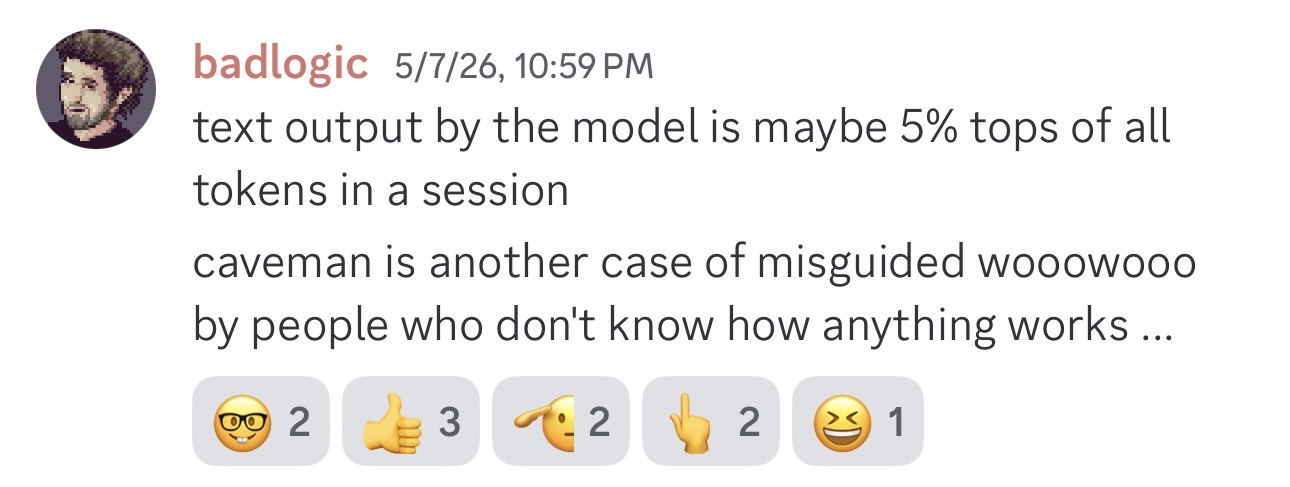
Caveman mode only affects output tokens, not chain-of-thought tokens, input tokens, file read/write tool calls, etc. If your agent is in a huge codebase and you've given it a complex task, don't expect much token reduction.
But for the cost-conscious, every token counts ;)
Credits
Based on caveman by Julius Brussee.
micro mode prompt based on caveman-micro by Kuba Guzik.
License
MIT