
Install
Install with PiG
pig install npm:pi-browser-use-liteInstall with Pi
pi install npm:pi-browser-use-litePackages run code with your permissions and influence agent behavior. Catalog inclusion is not a security audit. Review the source before installing a third-party package.
Pi manifest JSON
The pi field of package.json.
{
  "extensions": [
    "./src/index.ts"
  ]
}
README
Written by the package's publisher, shown as published in version 0.4.4 (README.md). PiG does not review it.
pi-browser-use-lite
English | 简体中文
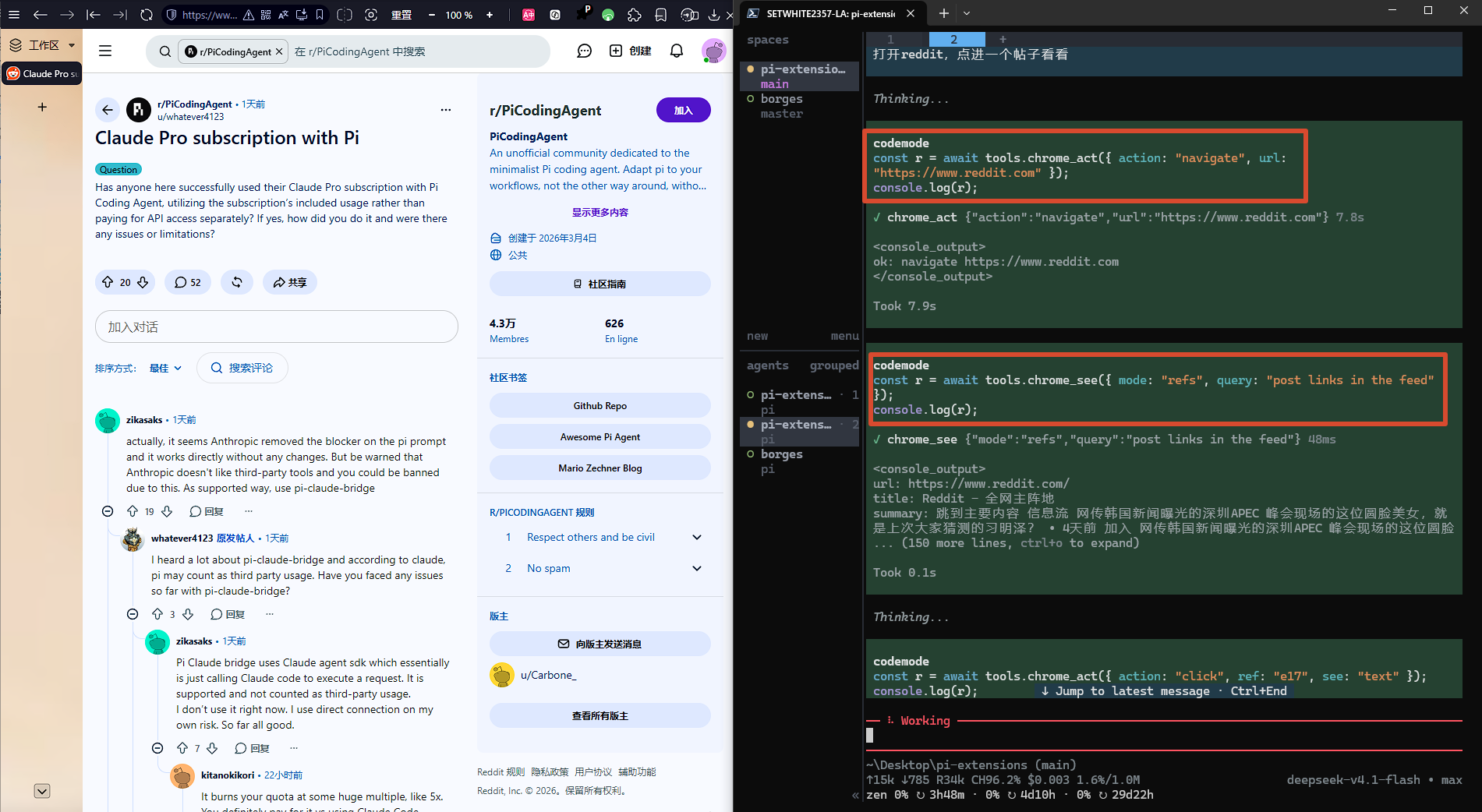
Five chrome_* tools that drive your own browser: the tabs you are already logged into, with your cookies and your sessions.
The package has two halves. The pi extension registers the tools and runs a local bridge on 127.0.0.1. The companion Chrome extension polls that bridge and runs each command through chrome.debugger.
Tools
| Tool | What it does |
|---|---|
chrome_act | navigate, click, type, fill, press, hover, drag, scroll, upload, eval, wait, batch |
chrome_see | snapshot the page as refs, text, changes or full; read console and network logs |
chrome_tab | list, new, switch, close |
chrome_vision | screenshot the viewport or the full page |
chrome_cdp | one raw CDP call for anything the other four do not cover |
Behavior worth knowing:
- Each session gets its own browser window, and the tools never touch your own tabs. Session tabs are closed when the session ends.
- That window opens unfocused. If a click or keystroke finds the page hidden, the extension enables focus emulation so Chrome accepts the input without raising the window. Reads never touch it.
- Input goes through trusted CDP events, so pages that reject synthetic events still react.
- Console and network capture starts at navigation, not at the first read.
- Every failure carries a class and a
hintthat says what to do next.
Install
pi install npm:pi-browser-use-lite
The extension ships inside the package. Load it once per browser:
- Run
/chrome statusin pi. When the extension is missing, the reply prints the directory to load. - Open
chrome://extensions, turn on Developer mode, click Load unpacked and pick that directory. - Run
/chrome statusagain.connected: yesmeans the bridge sees the extension.
Then authorize the tools for this session:
/chrome authorize on
The five chrome_* tools appear only after this. They are registered inactive, so they stay out of the model's tool list and out of the codemode description until you authorize. /chrome authorize off removes them again.
Authorization ends with the session. Set policy.authorizeOnStart to start each session authorized. Type /chrome and press Tab to list the subcommands.
Configuration
One JSON file: <agent dir>/pi-browser-use-lite/config.json. The agent dir is PI_CODING_AGENT_DIR, or ~/.pi/agent when the variable is unset.
Without the file every value is the default.
A wrong type or an unknown key fails startup and names every bad field at once. An unknown enum value falls back to the default, and an out-of-range number clamps to the nearest bound. The comments below only explain, so a real file must be strict JSON.
Minimal configuration: nothing. All five tools work on the defaults.
{}
Full example: every key follows with its default and when to change it.
{
  // The local bridge. The extension has the same port compiled in
  // (browser-extension/background/transport.js): change both, then reload the extension
  "bridge": { "port": 17318 },

  // Session rules
  "policy": {
    "authorizeOnStart": false,  // true = the tools work without /chrome authorize on
    "closeOwnTabsOnExit": true  // close the tabs this session opened when the session ends
  },

  // Input and timing
  "input": {
    "dragSteps": 10,            // mouse moves between press and release
    "scrollSteps": 5            // wheel events per scroll call
  },
  "timing": { "navigateTimeoutMs": 15000 },  // wait for the load event; the navigate call gets this plus 2s

  // Model-visible output
  "output": {
    "maxElements": 80,          // snapshot element cap
    "refsChars": 8000,          // character budget for the element list in see mode=refs/full; the rest is dropped with a hint
    "textChars": 18000,         // body text cap in see mode=text; the rest is dropped with a note
    "evalChars": 4000           // cap for values chrome_act eval and chrome_cdp return; long JSON is pruned, not chopped
  },

  // Screenshots
  "screenshot": {
    "dir": "/home/me/.pi/agent/pi-browser-use-lite/screenshots",  // created on first use
    "format": "png",            // png | jpeg
    "keepNewest": 20            // older screenshots in that directory are deleted
  },

  // Tool switches and names. Keep at least one enabled; names must be unique and must not shadow a host tool
  "tools": {
    "chrome_act": { "enabled": true, "name": "chrome_act" },
    "chrome_see": { "enabled": true, "name": "chrome_see" },
    "chrome_tab": { "enabled": true, "name": "chrome_tab" },
    "chrome_vision": { "enabled": true, "name": "chrome_vision" },
    "chrome_cdp": { "enabled": true, "name": "chrome_cdp" }
  },

  // Override the built-in prompts per tool. "" clears description or promptSnippet; [] adds no rules.
  // Rules are sentences: the tool name prefix is added for you, so a rename keeps them correct
  "guidance": {
    "chrome_act": {
      "description": "Drive the user's real browser.",
      "promptSnippet": "Drive the browser",
      "promptGuidelines": ["pass see: refs on navigate."]
    }
  }
}
Every key is optional. src/config/schema.ts holds the ranges and the defaults.
Credits
| Project | Borrowed |
|---|---|
| tianrendong/pi-chrome | The base of this package. It is pi-chrome v0.15.57, trimmed. The local bridge, the companion Chrome extension, the /chrome authorize flow and the CDP input layer come from it |
| dondai44423/bladebro | The 5-tool decision and the tool-surface size guard. The chain differs: it starts its own Chromium, this package uses your browser |
Both projects are open source. This package builds on them; thanks to the authors.
Docs
| Document | Content |
|---|---|
| ARCHITECTURE | Module boundaries and seams; read it before changing the structure |
| GLOSSARY | One name per concept |
| Modules | Trade-offs and traps per module |
| Spec | Tools, params, error classes, result envelope |
| Research | Tool-surface cost measurements |
| Decisions | Why the shape is what it is |
Development
From the repository root:
pnpm -C packages/pi-browser-use-lite lint
pnpm -C packages/pi-browser-use-lite check:imports
pnpm -C packages/pi-browser-use-lite typecheck
pnpm -C packages/pi-browser-use-lite test
The end-to-end test drives a real browser. Load the extension from packages/pi-browser-use-lite/browser-extension, keep one Chromium browser open with that extension enabled, then run:
pnpm -C packages/pi-browser-use-lite test:e2e
Close every other browser that has this extension. Two copies poll the same bridge, and the commands go to whichever copy asks first.
The extension reloads itself when the bridge reports a different version. After editing extension code without a version bump, reload it by hand on the extensions page.
License
MIT, see LICENSE.