
Install
Install with PiG
pig install npm:pi-background-monitorInstall with Pi
pi install npm:pi-background-monitorPackages run code with your permissions and influence agent behavior. Catalog inclusion is not a security audit. Review the source before installing a third-party package.
Pi manifest JSON
The pi field of package.json.
{
  "image": "https://raw.githubusercontent.com/championswimmer/pi-background-monitor/main/assets/banner.png",
  "extensions": [
    "./dist/index.js"
  ]
}
README
Written by the package's publisher, shown as published in version 1.4.3 (README.md). PiG does not review it.
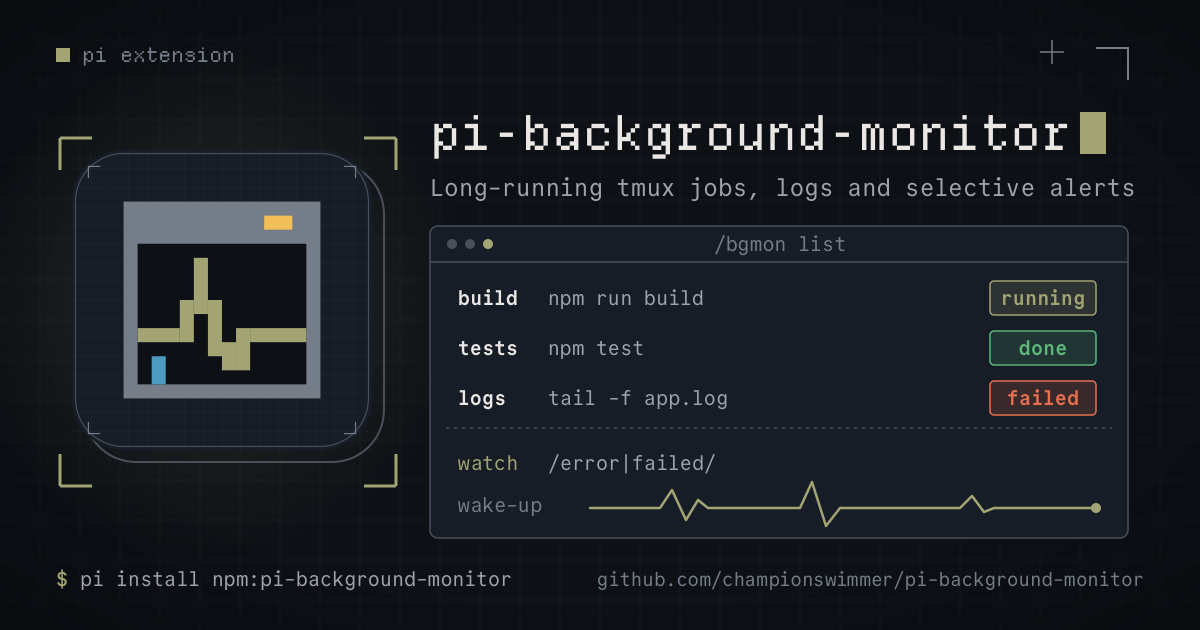

A Pi extension for running long-lived commands in the background, inspecting their logs and receiving selective notifications.
Install
pi install npm:pi-background-monitor
Requirements
Requires Pi 1.5.0+, Node.js 22+, Bash and tmux 3.2+ on Linux or macOS. Install tmux with your package manager first.
After installing
Reload Pi after installation. A full Pi restart is recommended when upgrading from an older loaded extension.
From a local checkout
For local source checkouts, run npm install && npm run build before pi install . (or load directly with pi -e ./src/index.ts).
Why use it
- Run builds, test suites, servers or
tail -fin the background while Pi keeps working. - Get woken up only when output matches a pattern or a job exits, instead of polling.
- Page through retained logs, or open a read-only log viewer with
/bgmon. - Jobs run in private tmux sessions and normally survive Pi shutdown.
- Output and notifications are bounded, with gaps made visible.
How to use
Ask Pi in plain language, for example:
- Build: “Run
npm run buildin the background. Wake up if the output matcheserror|failed, and check the log later.” - Repeated check: “Run my health-check command every 5 seconds for about 5 minutes. Wake up if its output contains
unhealthy, and keep the output for me to inspect.” Pi can run a timed shell loop for this; a continuously running command such astail -fneeds no loop.
Pi can page through retained output and read or search the returned pages (there is no server-side grep), or you can use /bgmon (or /bgmon list) to select a job and view its read-only log. Output and notifications are bounded, so older lines can be lost. Watches last only while Pi is running; wake-ups are best effort. For exact loop, filter and paging examples, see the reference.
Use /bgmon settings to adjust shared group limits (Global ~/.pi/agent/pi-background-monitor.json, trusted Project <cwd>/.pi/pi-background-monitor.json, and live Session overrides via pi-extension-settings-tui), or /bgmon stop-server to stop your session's private server.
Save the attach command and logRef returned when starting a job if you may need manual tmux access or historical logs. Jobs normally survive Pi shutdown, but reopening Pi does not automatically reconnect controllers or resume watches. The logRef allows read-only historical inspection, not controller recovery.
Tools
| Tool | Arguments | Use when |
|---|---|---|
bgmon_start | command; optional id | Start one long-running command: a build, test suite, server or tail -f. |
bgmon_inspect | none to list; id or logRef to read; optional after cursor to page forward | See what is running, read a job's output, or page through retained history. |
bgmon_watch | action (add, list, update, remove); add needs monitorId and kind (any, contains, regex, exit); contains/regex need pattern; optional flags, from, delivery, label, ttlSeconds, once; update/remove need watchId | Get called back when output matches or a job stops, instead of polling. |
bgmon_control | action (stop, forget, server_stop, delete_history); id (needed for stop/forget, optional for server_stop); logRef for delete_history | Stop a job or free its logs. |
bgmon_events | action (list, clear) | Review or clear this session's recorded alert history. |
Most arguments are optional and depend on the chosen action. See the reference for exact rules and limits.
Safety
Commands run with your privileges, not in a sandbox, and stopping a job may leave detached descendants running. Logs can contain secrets and persist beyond the conversation; output is untrusted. Logs and notifications are bounded and may have gaps or be delayed.
See the usage and operational reference for tools, watches, subagents, limits and safety details.