
Install
Install with PiG
pig install npm:pi-agent-ideInstall with Pi
pi install npm:pi-agent-idePackages run code with your permissions and influence agent behavior. Catalog inclusion is not a security audit. Review the source before installing a third-party package.
Pi manifest JSON
The pi field of package.json.
{
  "image": "https://raw.githubusercontent.com/alexshpunt/pi-agent-ide/main/assets/banner.png",
  "skills": [
    "./skills"
  ],
  "extensions": [
    "./dist/pi-agent-ide.js"
  ]
}
README
Written by the package's publisher, shown as published in version 1.1.0 (README.md). PiG does not review it.
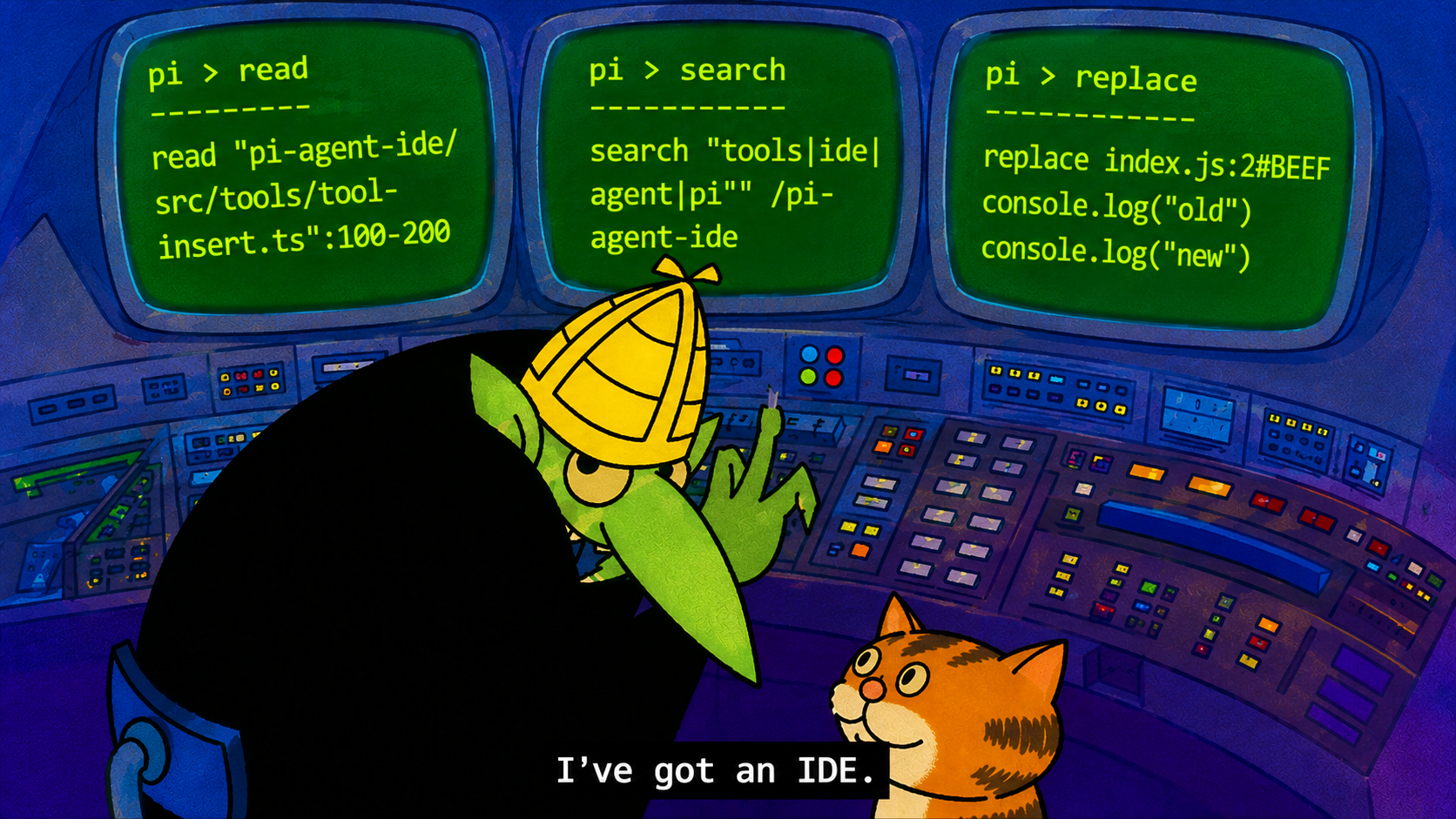
Pi Agent IDE
Give your Pi agent a real IDE: one semantic interface for understanding, changing, running, debugging, and observing software.







Ask your agent to explain Pi Agent IDE or configure it for your workflow. For example: “Help me configure Pi Agent IDE for my tasks.” The agent checks the available settings and asks whether to save changes for this project or globally.
To configure it yourself, read the short settings guide, run /agent-ide-help, or open /agent-ide-settings inside Pi.
Summary
Pi Agent IDE gives the Pi coding agent a small set of development tools for understanding, changing, running, debugging, and observing software. The same tools work with local resources and configured Linux SSH targets.
| Work | Interfaces |
|---|---|
| Inspect content and state | read with source-specific views |
| Find text and terminal output | search |
| Find files by path | file_search |
| Find code by syntax structure | ast_search |
| Find symbols, references and calls | lsp_search |
| Change text and filesystem objects | write, replace, insert, delete, copy, move |
| Compare, stage and restore changes | diff, stage, unstage, undo |
| Run and interact with commands | bash or powershell, then shell: resources |
| Debug programs | debug, then debug: resources |
| Work remotely | The same supported tools with ssh:// paths and remote cwd |
Combine tools through direct calls or native Codemode
All IDE tools support direct calls and Pi's built-in Codemode. The agent can combine reading, search, selection and editing into one workflow, with the same source checks in both modes.
For example, this script reads a section, finds a checklist item inside it, and marks it done:
const section = await tools.read({ path: "notes.md", offset: 10, limit: 20 });
const item = await tools.search({ path: section, query: "- [ ] Update docs" });
text(await tools.replace({ at: item.matches[0], text: "- [x] Update docs" }));
Read anything through read
read is one interface for inspecting:
- files, directories, source code, and raw bytes;
- JSON transformed through real
jqfilters; - web pages, PDFs, and images;
- diagnostics and Git changes;
- terminal and debugger sessions.
Views change how the same resource is presented. The agent can request source structure, editable anchors, diagnostics, an image, a sequence, or another supported projection without learning a separate tool for every source.

Find anything through search
search provides one interface for exact text, regular expressions, and retained terminal output. File matches are reusable guarded references, so the agent can pass a selection directly to read or an editing tool. Search packaged guides through docs:all or one docs:<id>; guide matches are read-only and do not authorize edits.
Use /agent-ide-settings to enable or disable optional semantic search and choose ColGREP (the default) or Vera. Global and Project settings follow the usual scope rules. Engine selection takes effect when saved in the settings menu; enabling or disabling the semantic search module requires a reload. Run /semantic-index in the project to prepare the selected engine and create its local index. The first setup may download tools and a model. Each engine has a separate index, and switching engines does not delete the other index. Searches refresh the selected index; an update failure is reported instead of returning stale results.
Once the selected index is usable, semantic_search returns ranked files with counts of retrieved candidates, not occurrence counts. Set path to a local project directory to narrow the search or to a file for bounded, approximate ranges. Use include and exclude globs to filter files. ColGREP filters before ranking; Vera's scoped and filtered search can omit relevant results because it may filter a limited candidate pool. Read the source before editing: ranges are hints, not editable selections. In Codemode, semantic_search resolves to the ranked files as a string[], without ranges. Ordinary search does not depend on the index.

Narrow and change exactly what you mean
The agent narrows a Read or Search result by searching inside it: a regex for a span between markers or part of a line, or an ast_search pattern whose captures select a function body or an argument list. Edits then change only those exact ranges, so the agent works with real code boundaries rather than guessing line numbers.
Language-server support adds lsp_search for declarations, references and call graphs, plus diagnostics and semantic rename across references. Available features depend on the project's language server.
Review edits against your own rules
Optional Jev code review checks small saved diffs against natural-language YAML rules you supply. It delivers background hints without replacing normal diagnostics. A separately enabled skill helps turn your review feedback into proposed rules, saved only after confirmation. Both features are off by default.
Express edits as intentions
Editing uses direct semantic operations:
writecreates a file or deliberately replaces its complete contents;replacechanges selected text;insertadds text around a selection;deleteremoves selected text or a resource;copyandmoveduplicate or relocate text, files, directory trees, and symlink objects;undorestores the last text edit or a selected Git change.
See directory and symlink operations for merge/replace behavior, guards, and failure effects.

Selections can come from exact text, anchors, search results, AST matches, or language-server symbols. Stale, ambiguous, and failed operations do not apply silently. If one selection method is a poor fit, the agent can recover through another without throwing away the rest of its work.

Review and restore Git changes
The agent can compare changes, stage or unstage individual Git changes, and restore a selected change without discarding the rest of the file. Text edits also have their own undo. You can see what changed and recover at the level of the operation, rather than resetting all the work.
Run through persistent terminal sessions
The terminal is a first-class cross-platform interface. The agent can run commands, keep interactive sessions and background tasks alive across turns and extension reloads, read retained output, send exact input or named keys, and inspect terminal applications through images and sequences.

Debug programs interactively
Debugger sessions use the same resource model. The agent can set breakpoints, inspect stack frames and variables, evaluate expressions, step through execution, and return to a running session later.
When the project is open in VS Code with the DebugMCP extension, the agent debugs it there by default, so you can follow the session in your editor. See VS Code debugger.

Use the same tools over SSH
Ask the agent to work on a remote Linux environment. It can read, search and edit files, copy between your machine and the server, work with Git, and run interactive commands through the same IDE tools. Language servers, linters, formatters and debugger adapters use the remote machine's tools and project settings.
Remote web text reads are available too. Missing remote dependencies are reported rather than silently replaced by local tools.
SSH uses your existing OpenSSH authentication and host-key trust. The remote machine needs Python 3; no permanent agent is installed there. Operations have the permissions of the SSH account. The agent sets up project-local access by default unless you ask for global settings. See SSH configuration.
Keep context focused through progressive disclosure
The agent gets detailed guides and optional tools when it needs them, instead of carrying every instruction throughout the task.
Large results stay readable without losing the full text or the exact source selection. Compact edit receipts keep the agent's context small while you still see the full diff. See tools and workflow for the details.
Extend the interfaces through protocols
Filesystem and HTTP reads, resource views, content converters, search backends, anchors, formatters, diagnostics, terminals, and debugger resources are independent protocols behind the public tools. Extensions can add or replace those capabilities without creating another one-off interface for the agent. See Writing extensions.
Observe the work and recover cheaply
A person can see the agent's edits, diffs, diagnostics, running processes, debugger state, and failures. Bounded presentation keeps live output readable without discarding the underlying result. Guarded snapshots and first-class undo make mistakes visible and recovery inexpensive.
Direct calls show tool panels and diffs using each tool's presentation setting. Extra successful IDE panels from Codemode are off by default; turn on Show tool results from Codemode in /agent-ide-settings to show them. Codemode's own script and output are unchanged. Errors and expanded history remain available, and a batch of edits shows the final diff for each file rather than intermediate cards.

Work across languages and platforms
Built-in debugger recipes cover C, C++, C#, Dart, Elixir, Go, Java, JavaScript, Julia, Kotlin, Lua, PHP, PowerShell, Python, R, Ruby, Rust, shell scripts, Swift, TypeScript, and Zig. Formatting, linting, AST, language-server, and debugger support follows the tools and configuration available in each project.
Known issue: the Kotlin adapter (fwcd/kotlin-debug-adapter 0.4.4) can run past verified breakpoints. This was reproduced with JDK 17 and 21 both locally and over SSH. Its recipe remains available, but a verified breakpoint is not proof that execution will stop there. Java uses java-debug / JDT LS, not this adapter.
Windows and WSL are first-class supported environments alongside Linux. Run /agent-ide-doctor to see the exact capabilities available on the current machine.
Built through data-driven development
Pi Agent IDE is developed through daily use on real software and measured with the Explicit Edit Benchmark. The badge tracks the Codemode-enabled profile, with native Codemode alongside standalone IDE tools. Earlier standalone-only observations remain separate. A profile's badge appears after its first accepted observation; not every release has a run. All observations are available in the published dataset.
The project is also used to develop itself. Weak interactions, missing affordances, and agent failure modes appear in real work instead of remaining theoretical. Problems are fixed as they are found, and the tools evolve through regular releases.
Pi Agent IDE is experimental and under active development. Interfaces and behavior may change.
Installation
Install Pi 0.99.1 or newer first, then install Pi Agent IDE from npm. Development and integration tests use Pi 1.5.2. Older hosts are rejected with an upgrade message.
pi install npm:pi-agent-ide
Or install it directly from GitHub:
pi install git:github.com/alexshpunt/pi-agent-ide
To pin a Git installation, append a release tag or commit. To try the package for one session without adding it to your settings:
pi -e npm:pi-agent-ide
Pi packages run with your full system permissions. Review the package before installing it.
npm 12 and newer skip the install scripts of dependencies you have not approved and list the skipped packages in an install-scripts notice at the end of pi install. npm 11.16 and later 11.x releases print the same notice but still run the scripts. All entries in that notice can stay unapproved. AST features load the grammars' bundled WebAssembly files and the prebuilt ast-grep parsers and binary directly, so they do not need the tree-sitter and @ast-grep/* scripts. The terminal tool loads the prebuilt node-pty binaries for Linux, macOS and Windows on x64 and arm64; the Linux binaries need glibc 2.28 or newer.
Check project tools
Pi Agent IDE includes formatter, linter, LSP, and debugger mappings. It discovers each tool from the project that owns the file, including project-local binaries and commands on your PATH. Settings from one project do not leak into another.
Start Pi in your project directory, then run:
/agent-ide-doctor
Doctor reports the effective project, global, and built-in mappings, their source layers and commands, and the real probe results. It also checks AST support, search, Git, and optional Chrome or Chromium support for browser-rendered web reads.
Doctor shows its report before changing anything. If project evidence points to a different installed tool, it can write a project-only override under .pi/pi-agent-ide/. It never changes global or built-in configuration. Native files such as eslint.config.js, .clang-format, and pyproject.toml remain unchanged.
For a configured remote project, use /agent-ide-doctor ssh://target/path. Target checks use that machine's tools and settings; suggested overrides stay in that remote project.
Run /agent-ide-doctor again after installing or changing project tools. For configuration paths, precedence, and command flags, see Configuration.
Customization
Pi Agent IDE follows Pi's permissive, YOLO-style default: the agent can use the tools without asking for approval at every step. You can make it as strict as your work requires.
- Settings control built-in tools, project mappings, search, and presentation.
- File hooks can inspect, change, or deny reads and edits.
- Extensions can add or replace protocols, resolvers, views, anchors, search backends, and other behavior.

Feedback and contributions
Pi Agent IDE is used actively in real development, but I can only reproduce the models, tools, environments, and workflows available to me. Everyone works differently, and I cannot find or cover every case on my own.
If something breaks, behaves badly, or does not fit your workflow, please open an issue. Bug reports, ideas, questions, and pull requests are welcome.
When Pi Agent IDE hits an internal error, a panel above the editor names it and offers a prefilled issue with the error, its stack and the versions. Open issue opens the GitHub form, Copy report copies the same text, Close hides the panel, and Don't show again turns these panels off. The buttons take clicks in fullscreen mode; /agent-ide-problem open|copy|close|off does the same anywhere. Nothing is sent until you submit the issue yourself. The panel also appears after Pi restarts from a crash caused by Pi Agent IDE. A module that fails to load is skipped, and the other modules keep working. Turn the panels off or on again with the Problem reports setting in /agent-ide-settings.
Documentation
| Document | Contents |
|---|---|
| Tools and workflow | Reading, search, selections, editing, terminals, and feedback |
| Result composition | Passing results between tools, reference lifetime, and commit boundaries |
| Directory operations | Copy, Move, Delete, symlinks, guards, and partial failures |
| Settings guide | Choosing settings, scope, saving and output presentation |
| Configuration | Project tools, SSH targets, Doctor, and presentation settings |
| SSH guide | Agent setup and supported remote operations |
| File hooks | Inspect, change, or deny reads and edits |
| Writing extensions | Resolvers, views, anchors, search backends, and IDE plugins |
| Architecture | Module boundaries, protocols, and the umbrella extension |
| Development | Checkout setup, tests, and package builds |
| Releases | Nightly builds, release candidates, verification, and publication |