
Install
Install with PiG
pig install npm:drop-your-dmgInstall with Pi
pi install npm:drop-your-dmgPackages run code with your permissions and influence agent behavior. Catalog inclusion is not a security audit. Review the source before installing a third-party package.
Pi manifest JSON
The pi field of package.json.
{
  "skills": [
    "./SKILL.md"
  ]
}
README
Written by the package's publisher, shown as published in version 0.1.2 (README.md). PiG does not review it.
Drop Your DMG
An Agent Skill for Pi, Claude Code and Codex that designs the installer from the product, then builds it.
Three curated directions, one approved DMG, no visual editor.






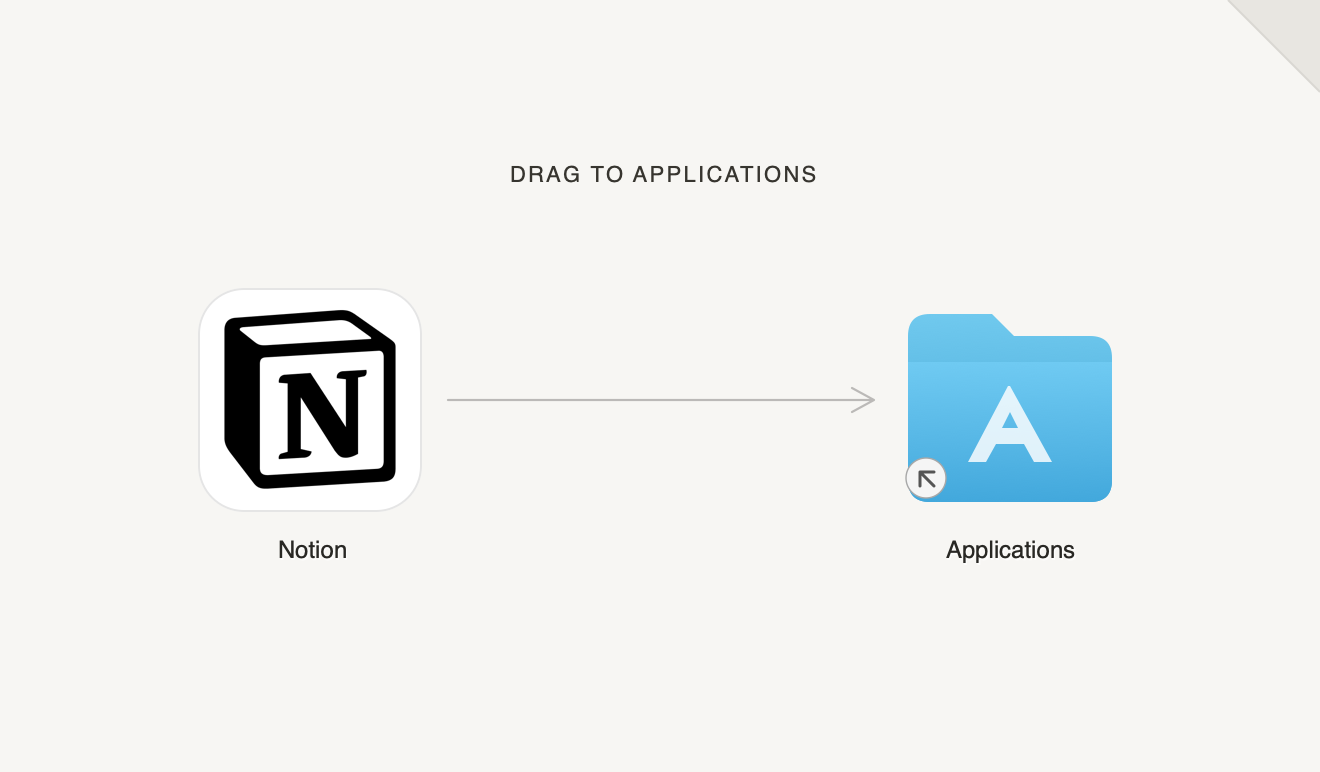
Most DMG builders start with an empty canvas. Drop Your DMG starts with the product.
It inspects the app, icon, screenshots, brand assets and release setup; creates three genuinely different installer directions; shows real previews; waits for a choice; refines one; then builds and verifies the disk image with create-dmg.
Install
| Agent | Global install | Skill location |
|---|---|---|
| Pi | pi install npm:drop-your-dmg | Pi package directory |
| Claude Code | npx skills add ankitchouhan1020/drop-your-dmg -g -a claude-code -s drop-your-dmg -y | ~/.claude/skills/drop-your-dmg |
| Codex | npx skills add ankitchouhan1020/drop-your-dmg -g -a codex -s drop-your-dmg -y | ~/.agents/skills/drop-your-dmg |
Install for both Claude Code and Codex in one command:
npx skills add ankitchouhan1020/drop-your-dmg \
  --skill drop-your-dmg \
  --agent claude-code codex \
  --global --yes
Omit --global for a project-only install. The open skills CLI discovers the root SKILL.md automatically.
Quick start
Ask your agent:
Design a DMG installer for this app. Show me three directions before you build it.
The skill inspects the product, shows exactly three curated previews, pauses for selection, refines only the chosen direction, then builds and verifies one DMG.
Invoke it directly when supported:
| Agent | Command |
|---|---|
| Pi | /skill:drop-your-dmg |
| Claude Code | /drop-your-dmg |
| Codex | $drop-your-dmg |
The final build requires macOS and create-dmg. The skill checks for it and asks before installing it with Homebrew.
Example
Notion gets three curated directions from the same minimal brief:
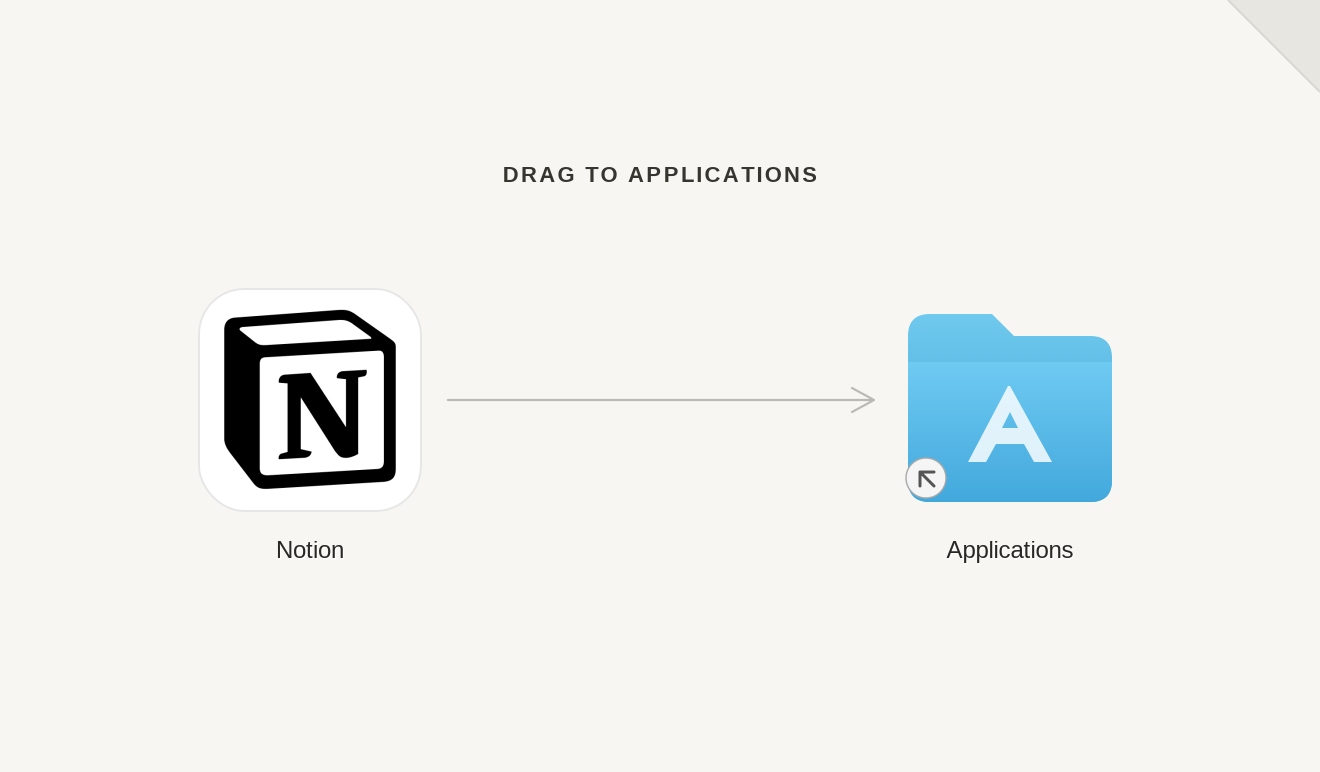 |
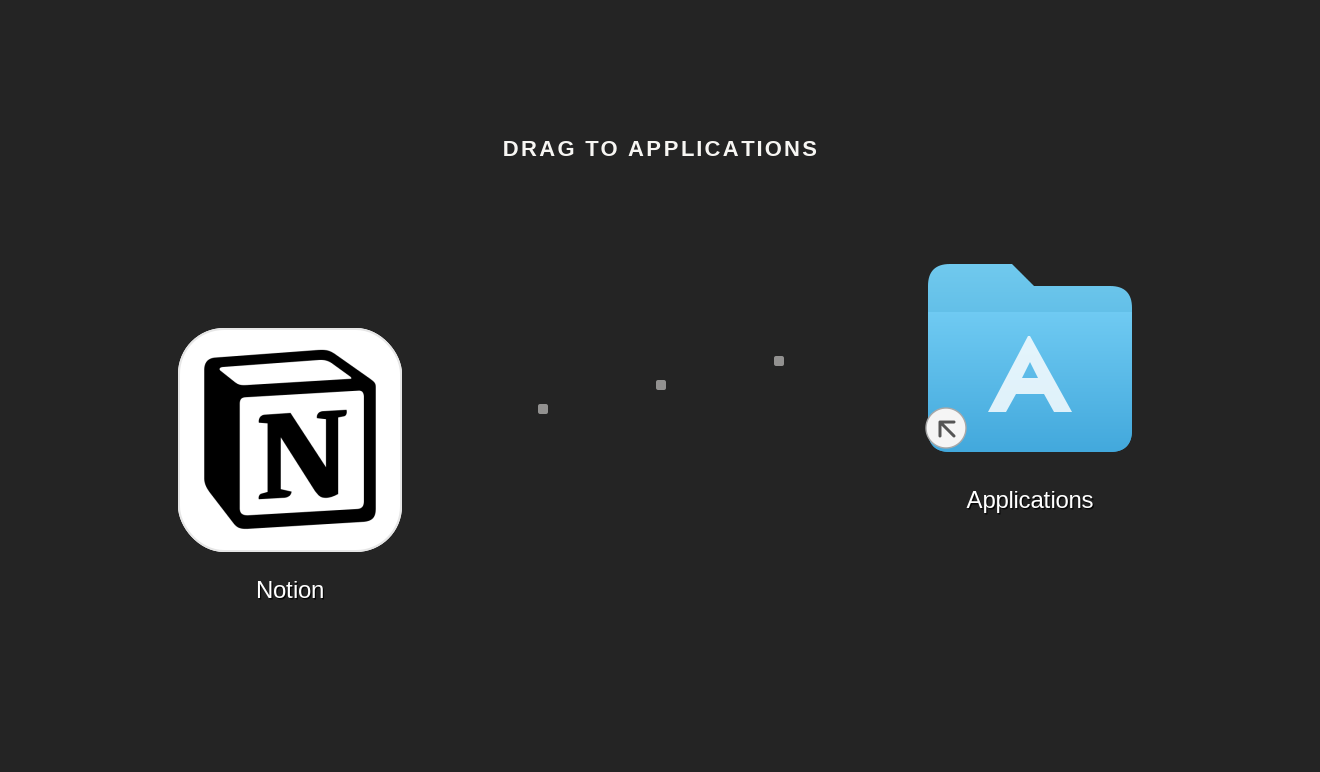 |
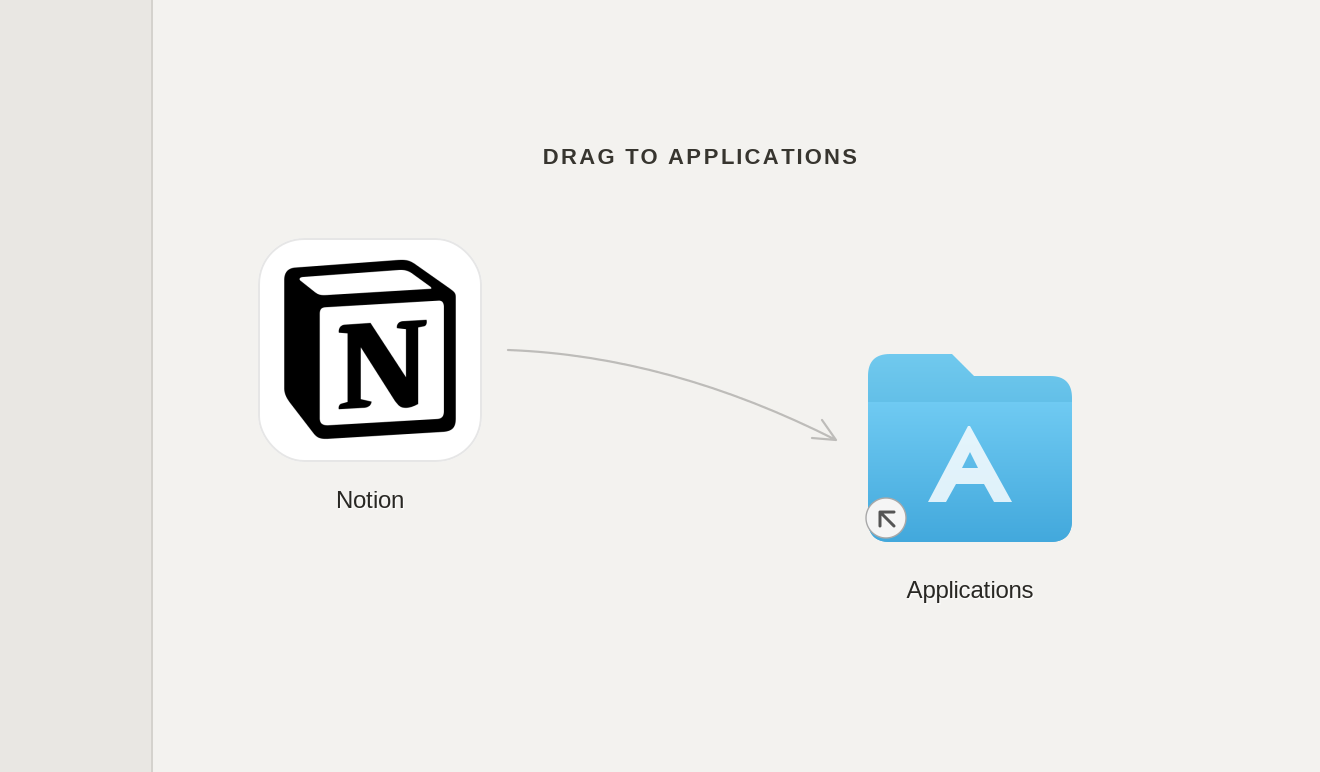 |
| Quiet Page Calm and symmetrical |
Block Path Dark and modular |
Sidebar Shift Light and asymmetric |
Unofficial workflow demonstration using Notion’s public app icon. Notion and its logo are trademarks of Notion Labs, Inc.
Rebuild and open the contact sheet:
npm run examples
open examples/notion/notion.html
What it produces
Before selection:
- a short evidence-based product read;
- three named design directions;
- editable Retina background SVGs;
- separate previews with representative Finder items;
- explicit window, icon and coordinate values.
After selection:
- one refined background SVG and PNG;
- one reproducible
create-dmgcommand or release script; - one final DMG;
- integrity, mounted-content and Finder-presentation results;
- separate signing and notarization status.
It never paints fake app or Applications icons into the shipping background. Finder places the real items.
How it works
- Inspect. Read the product and release inputs without changing them.
- Direct. Create three concepts that differ in layout and idea, not just color.
- Choose. Stop for the user's selection, unless they explicitly delegate it.
- Refine. Iterate only on the chosen direction.
- Build. Render with macOS
sipsand package withcreate-dmg. - Verify. Run
hdiutil verify, mount read-only, inspect contents and review the actual Finder window. - Clean. Remove rejected renders, test images and temporary staging before delivery.
Requirements
| Requirement | Needed for | Notes |
|---|---|---|
| macOS | rendering, packaging and Finder verification | Required for the complete workflow |
A release .app | final DMG | The skill verifies but does not repair its signature |
create-dmg | final build | The skill asks before installing it with Homebrew |
| Node.js | npx skills installs and rebuilding examples | The skill itself has no npm runtime dependencies |
The complete instructions are in SKILL.md. Focused guidance lives under references/, and evaluation cases under evals/.
Repository and development checks
.
├── SKILL.md                 main workflow
├── references/              product, design, build and verification guidance
├── examples/notion/         three generated backgrounds and previews
├── evals/evals.json         behavioral evaluation cases
├── scripts/                 repository and rendering checks
└── tests/                   Node regression tests
npm run verify
./scripts/render-examples.sh
npm pack --dry-run
Generated PNGs go to ignored shots/.
Limits
- DMG building and real Finder verification require macOS.
- A headless CI build cannot prove Finder presentation.
- The skill does not repair app signing, invent signing identities or claim notarization from a successful build.
- It does not replace the product's release pipeline; it adds the selected artwork and reproducible DMG step.
Links
Contributing
Read CONTRIBUTING.md. Visual changes must rebuild the examples and include reviewed previews. Instruction changes should add or update an eval.