
Install
Install with PiG
pig install npm:@tifan/pi-copy-responseInstall with Pi
pi install npm:@tifan/pi-copy-responseReview before installing
Packages run code with your permissions and influence agent behavior. Catalog inclusion is not a security audit. Review the source before installing a third-party package.
Pi manifest JSON
The pi field of package.json.
{
  "image": "https://raw.githubusercontent.com/tifandotme/pi-extensions/refs/heads/master/packages/pi-copy-response/assets/picker.webp",
  "extensions": [
    "./src/index.ts"
  ]
}
README
Written by the package's publisher, shown as published in version 0.2.7 (README.md). PiG does not review it.
@tifan/pi-copy-response
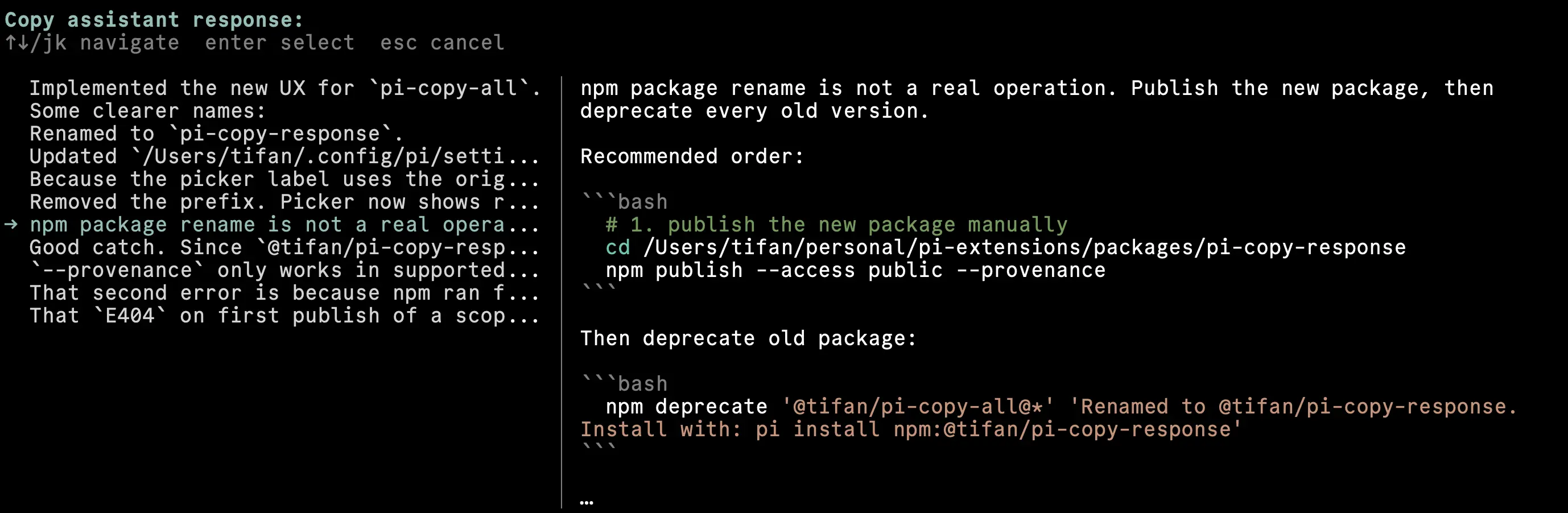
Pick one assistant response from the current pi session, preview it, then copy it to the system clipboard.
Use this when pi's built-in /copy is not enough. /copy copies only the last assistant response. This extension lets you choose an older response and preview the full text before copying it.
Install
pi install npm:@tifan/pi-copy-response
Commands
/copy-response: Open a response picker, preview the selected assistant response on the right, and copy it.
Release notes
See CHANGELOG.md