
Install
Install with PiG
pig install npm:@pixu1980/pi-statuslineInstall with Pi
pi install npm:@pixu1980/pi-statuslinePackages run code with your permissions and influence agent behavior. Catalog inclusion is not a security audit. Review the source before installing a third-party package.
Pi manifest JSON
The pi field of package.json.
{
  "extensions": [
    "./index.ts"
  ]
}
README
Written by the package's publisher, shown as published in version 0.1.17 (README.md). PiG does not review it.
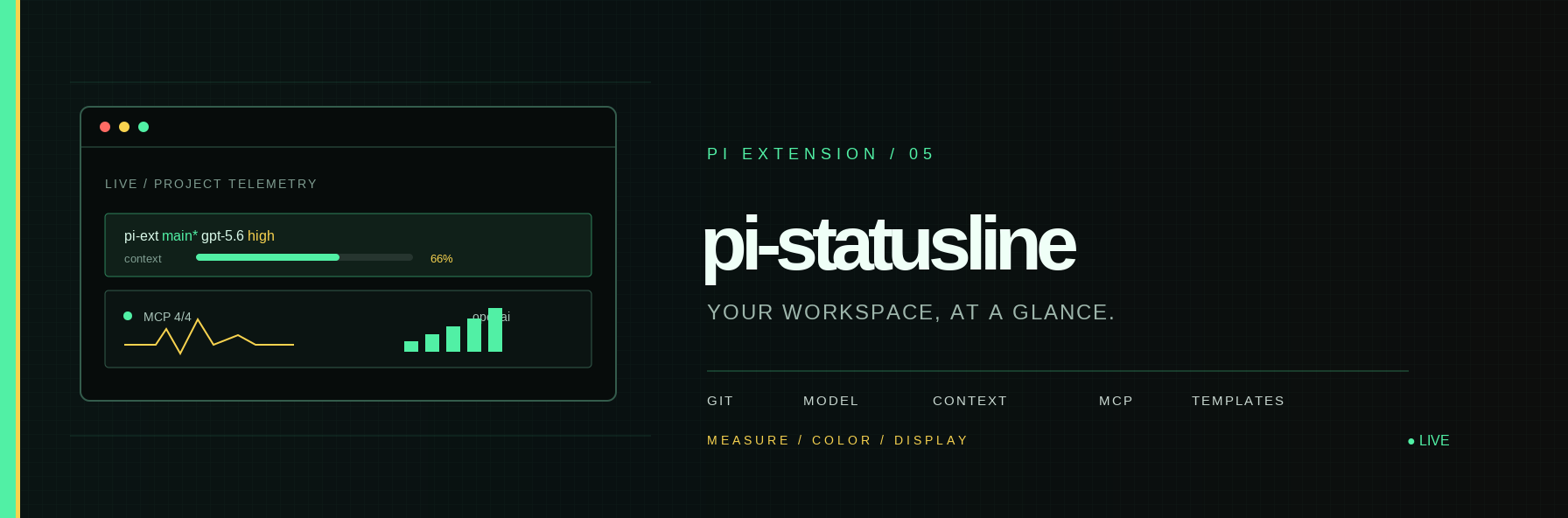
pi-statusline
Statusline extension for pi - replicates
/statuslinefrom Claude Code with customizable templates, git status, model info, and context usage with gradient colors.
Install
pi install npm:@pixu1980/pi-statusline
Features
A dual-line status display for pi-coding-agent:
Line 1 (widget, below editor): project name, git branch/status, model info, thinking level, and context usage with a gradient color scale.
Line 2 (footer, replaces native): MCP server status on the left, provider/model info on the right.
Responsive auto format (default): the widget re-measures the available width on every render and picks the most verbose layout that fits, degrading through four levels while preserving colors:
- full:
Project: ~/…/my-app › Branch: main › Model: DeepSeek V4 Flash Effort: High › Context: 0/1.0M (0%) - verbose:
P: ~/…/my-app › B: main › M: DeepSeek V4 Flash E: High › C: 0/1.0M (0%) - compact:
P: my-app › B: main › M: DeepSeek V4 Flash - High › C: 0/1.0M - minimal:
my-app | main | DeepSeek V4 Flash - High | 0/1.0M
The context separator (
/between used and total) keeps the percentage gradient color at every level, even when the(pct)suffix is dropped.Switch the
Formatsetting topreset-full/preset-compact/preset-minimalfor a fixed layout, orcustomfor your own template.- full:
Commands
| Command | Description |
|---|---|
/statusline | Print the current statusline in the output |
/statusline settings | Open the interactive settings panel |
/statusline template | Set a custom template string |
/statusline reload | Reload settings from disk |
Customization
Templates support placeholders for project, git branch, git status (ahead/behind/modified/untracked), model name, provider, thinking level, context usage, and MCP server counts. See the settings panel (/statusline settings) for the full list and live preview.
License
MIT