
Install
Install with PiG
pig install npm:@pixu1980/pi-sessionsInstall with Pi
pi install npm:@pixu1980/pi-sessionsPackages run code with your permissions and influence agent behavior. Catalog inclusion is not a security audit. Review the source before installing a third-party package.
Pi manifest JSON
The pi field of package.json.
{
  "extensions": [
    "./index.ts"
  ]
}
README
Written by the package's publisher, shown as published in version 0.1.18 (README.md). PiG does not review it.
pi-sessions
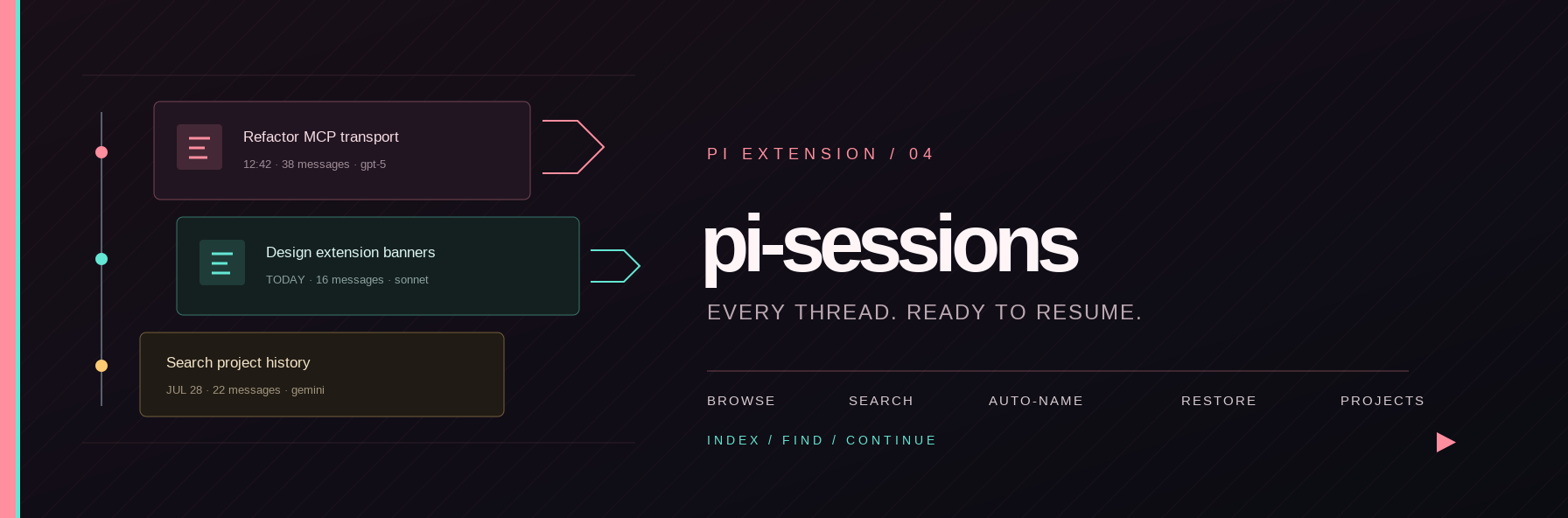
Session history overlay for pi.dev. Browse, search, and restore past sessions with auto-naming based on chat content.
Screenshot idea: A centered modal listing past sessions with auto-names, dates, message counts, and model info.
Features
- 📋 Session browser - Centered modal, matching
/mcp, shows all past sessions - 📁 Project overview -
/projectsgroups sessions by project directory with aggregated metadata - 🏷️ Auto-naming - Sessions are named from the first user message content
- 🔍 Search/filter - Type to filter by name, model, or project path
- ↕️ Keyboard navigation - ↑↓ arrows, Home/End, PageUp/PageDown
- ⏪ One-click restore - Select a session to load it with full context
- 📊 Session details - Date, message count, model used, provider
- 📁 Folder first - Each session shows the project directory prominently
- 💬 Last message - Shows the last user message instead of just the first one
Install
pi install npm:@pixu1980/pi-sessions
Usage
Session list
/sessions
Shows all sessions in a flat list with folder, last message, and metadata.
Project overview (drill-down)
/projects
Shows sessions grouped by project directory with aggregated info:
- Project path, latest message, session count, total messages, model used
- Select a project → drill-down to individual sessions
- Esc in drill-down returns to project list
Navigation
| Key | Action |
|---|---|
| ↑ / ↓ | Navigate |
| Enter | Select session (flat) / Drill down (projects) |
| Type text | Filter by project, message, model |
| Backspace | Clear filter |
| Home / End | Jump to first/last |
| PageUp / PageDown | Scroll page |
| Esc | Close overlay / Go back (projects drill-down) |
Auto-naming
The extension automatically names each session from the first user message, truncated to 60 characters.
Each session entry shows:
- 📁 Folder - Project directory path
- 💬 Last message - Last user message content (truncated)
- 📊 Metadata - Relative date, message count, model, provider
Project overview (/projects)
Groups sessions by project directory. Each project shows:
- 📁 Project path - Project directory
- 💬 Latest message - Last user message from the most recent session
- 📊 Aggregated metadata - Session count, total messages, latest model
Select a project to drill down into its individual sessions.
How it works
- Opens a centered loading modal immediately
- Scans
~/.pi/agent/sessions/asynchronously with bounded concurrency - Parses each session to extract message previews, counts, model and provider
- Reuses the same modal for search and selection
- On selection, uses
ctx.switchSession()to load the session
License
MIT