
Install
Install with PiG
pig install npm:@patimweb/pi-outline-wikiInstall with Pi
pi install npm:@patimweb/pi-outline-wikiPackages run code with your permissions and influence agent behavior. Catalog inclusion is not a security audit. Review the source before installing a third-party package.
Pi manifest JSON
The pi field of package.json.
{
  "image": "https://raw.githubusercontent.com/Smotherer007/pi-outline-wiki/main/screenshot.png",
  "skills": [
    "./skills"
  ],
  "extensions": [
    "./index.ts"
  ]
}
README
Written by the package's publisher, shown as published in version 1.1.2 (README.md). PiG does not review it.
pi-outline-wiki
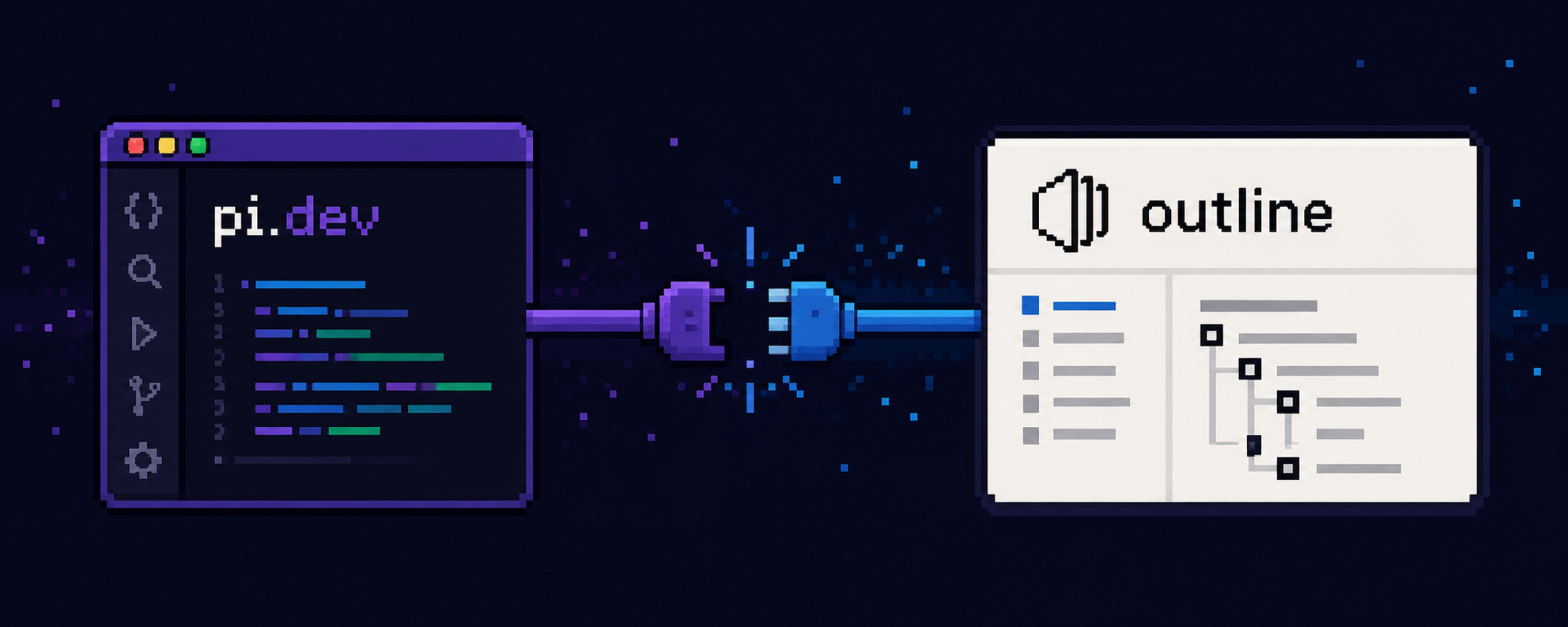
Outline wiki extension for the pi coding agent.
Search, read, write, organise and comment on documents in your Outline knowledge base directly from your pi session. Credentials are stored locally in ~/.pi/outline-config.json.
Works with Outline cloud (yourteam.getoutline.com) and with self-hosted installations.
Installation
# Install from npm
pi install npm:@patimweb/pi-outline-wiki

# Install from local path during development
pi install /path/to/pi-outline-wiki
Quick Start
- In Outline, go to Settings -> API & Apps and create an API key (it starts with
ol_api_). - Configure the workspace with the
outline_setuptool. - Ask pi anything about your wiki, or use
/wiki <topic>.
outline_setup:
  name: work
  url: https://acme.getoutline.com
  apiKey: ol_api_xxxxxxxxxxxxxxxxxxxxxxxxxxxxxxxxxxxxxx
  description: internal engineering wiki
outline_setup verifies the connection immediately and reports the workspace and the authenticated user, so a typo in the URL or key surfaces right away.
The url is forgiving: a bare host, a trailing slash, a pasted /api base or the /mcp endpoint from Outline's MCP docs are all normalised to the workspace root.
Tools
| Tool | Description |
|---|---|
outline_setup | Configure workspace URL and API key. Must be called first. |
outline_status | Show configured profiles and verify the active key still works. |
outline_profile | List, switch, or delete workspace profiles, with what each wiki holds. |
outline_collections | List collections with their ids. |
outline_structure | Show the nested document tree of one collection. |
outline_search | Full-text search with optional collection, status and date filters; can search all workspaces at once. |
outline_list | Browse documents: recent, by collection, by parent, or your drafts. |
outline_read | Read a document's markdown body, optionally with children or saved to a file. |
outline_create | Create a document in a collection or under a parent document. |
outline_update | Replace, append to, or prepend to a document; rename it; publish a draft. |
outline_move | Move a document into another collection or under another parent. |
outline_archive | Archive, restore, or unpublish a document. |
outline_delete | Move a document to the trash, or delete it permanently. |
outline_comments | Read comment threads on a document, nested by reply. |
outline_comment | Post a comment or reply on a document. |
outline_export | Export a document or a whole collection to local markdown files. |
Searching
outline_search runs Outline's full-text search and returns matching documents with a snippet and their ids. Read the full body with outline_read.
outline_search:
  query: postgres failover
  # collectionId: <id>              # restrict to one collection
  # statusFilter: [published, archived]
  # dateFilter: month               # only recently updated documents
Archived documents are excluded unless you ask for them via statusFilter.
With several workspaces configured, allProfiles: true searches every one of them and labels each hit with the workspace it came from:
outline_search:
  query: postgres failover
  allProfiles: true
allProfiles cannot be combined with profile, collectionId or documentId -- those are specific to a single workspace, and the tool rejects the combination rather than silently returning nothing.
Reading
outline_read takes the document id (uuid) or the slug from an Outline URL. Long pages are truncated at 20,000 characters by default so a single wiki page cannot eat the whole context window.
outline_read:
  id: deploy-runbook-aBc123XyZ
  # maxChars: 0                     # 0 = no truncation
  # includeChildren: true           # also list child documents
  # saveDir: ./docs                 # additionally write the full page to a .md file
Writing
outline_create publishes into a collection by default. Pass parentDocumentId to nest a page, or publish: false to keep it as a personal draft.
outline_create:
  title: Payment service failover
  collectionId: <id>
  text: |
    Summary of what this page is for.

    ## Steps
    1. ...
Do not repeat the title as a top-level heading in text -- Outline renders the title separately.
Updating without losing content
outline_update defaults to mode: replace, which overwrites the whole body. Use append or prepend to add to a page without reading and re-sending it.
# Add a dated entry to a decision log
outline_update:
  id: <id>
  mode: append
  text: |
    ## Switched to connection pooling - 2026-09-02
    ...
mode: prepend is the right choice for newest-first logs and for adding a notice at the top of a page.
Retiring pages
outline_archive keeps a page searchable and restorable; it is the reversible option and should be preferred over deleting.
outline_archive:
  id: <id>
  # action: archive | restore | unpublish
outline_delete moves a page to the trash (restore it with outline_archive action restore). permanent: true erases it and cannot be undone.
Exporting into your repository
outline_export writes markdown files directly to disk, which is far cheaper than reading page after page through the model.
outline_export:
  targetDir: ./docs/wiki
  collectionId: <id>        # or documentId: <id>
  # includeChildren: true   # with documentId
  # limit: 50
Commands
| Command | Description |
|---|---|
/wiki <topic> | Search the wiki and summarise what it says, with citations. |
/wiki-capture [focus] | Write the durable knowledge from this session into the wiki. |
Skills
The package ships three skills that teach the agent how to use the wiki well, not just which tools exist:
| Skill | Purpose |
|---|---|
outline-wiki | Research the wiki before answering questions about internal systems, conventions and decisions. |
outline-doc-writing | Where a page belongs, how to structure it, and how to update it without destroying other people's work. |
outline-knowledge-capture | Turn what was worked out in a session into a durable page: decision records, incident findings, gotchas. |
Configuration
Credentials are persisted to ~/.pi/outline-config.json, written atomically with mode 0600. The outline_setup tool creates the file. You can also write it by hand:
{
  "profiles": {
    "work": {
      "url": "https://acme.getoutline.com",
      "apiKey": "ol_api_xxxxxxxxxxxxxxxxxxxxxxxxxxxxxxxxxxxxxx"
    }
  },
  "activeProfile": "work"
}
Multiple workspaces
Several Outline wikis can be configured side by side -- call outline_setup once per wiki with a different name. The first profile becomes active automatically; later ones do not steal the active slot.
outline_setup:
  name: firma
  url: https://acme.getoutline.com
  apiKey: ol_api_xxx
  description: internal engineering wiki

outline_setup:
  name: kunde-a
  url: https://wiki.kunde-a.de
  apiKey: ol_api_yyy
  description: ACME client project docs
Give every workspace a description. It is shown by outline_profile and outline_status, and it is what lets the agent decide which wiki to search instead of guessing from a profile name. The bundled skills instruct the agent to check that list before searching, and to ask you rather than guess when a write could land in the wrong wiki.
| Need | How |
|---|---|
| See what is configured | outline_profile |
| Switch the default | outline_profile: { action: use, name: kunde-a } |
| One call against another wiki | any tool + profile: kunde-a |
| Search everything at once | outline_search + allProfiles: true |
Document ids are scoped to their workspace. A hit that a fan-out search reports as profile kunde-a must be read with outline_read and profile: kunde-a -- the same id means nothing in another wiki.
If one workspace is unreachable or its key has expired, a fan-out search still returns the results from the others and reports the failure separately.
Self-hosted instances
Point url at your installation, e.g. https://wiki.example.com or http://localhost:3000. If your instance uses a self-signed certificate, set insecureTls: true in outline_setup. This disables certificate validation for the whole pi process, so only use it when you have no alternative -- outline_status warns while it is active.
Permissions
The extension acts as the user who owns the API key. It can only see and change what that user can see and change in Outline, so scoping access is a matter of which account the key belongs to.
Development
npm install
npm test
npm run test:coverage
The code follows a data-oriented layout: plain immutable data in src/types.ts, all HTTP isolated in src/clients/outline-client.ts, pure display functions in src/formatting/formatters.ts, and one module per tool in src/tools/.
License
MIT