
Install
Install with PiG
pig install npm:@jmfederico/pi-webInstall with Pi
pi install npm:@jmfederico/pi-webPackages run code with your permissions and influence agent behavior. Catalog inclusion is not a security audit. Review the source before installing a third-party package.
Pi manifest JSON
The pi field of package.json.
{
  "image": "https://raw.githubusercontent.com/jmfederico/pi-web/main/docs/assets/pi-web-banner.png",
  "extensions": [
    "./extensions"
  ]
}
README
Written by the package's publisher, shown as published in version 1.202611.6 (README.md). PiG does not review it.
PI WEB





PI WEB is a remote-first runtime for AI coding agents, with a web interface for managing their work.
Built for Pi Coding Agent, it keeps sessions running in real workspaces on your computer or server. Give instructions, inspect files, and review progress from any browser. Agents keep running when you disconnect.
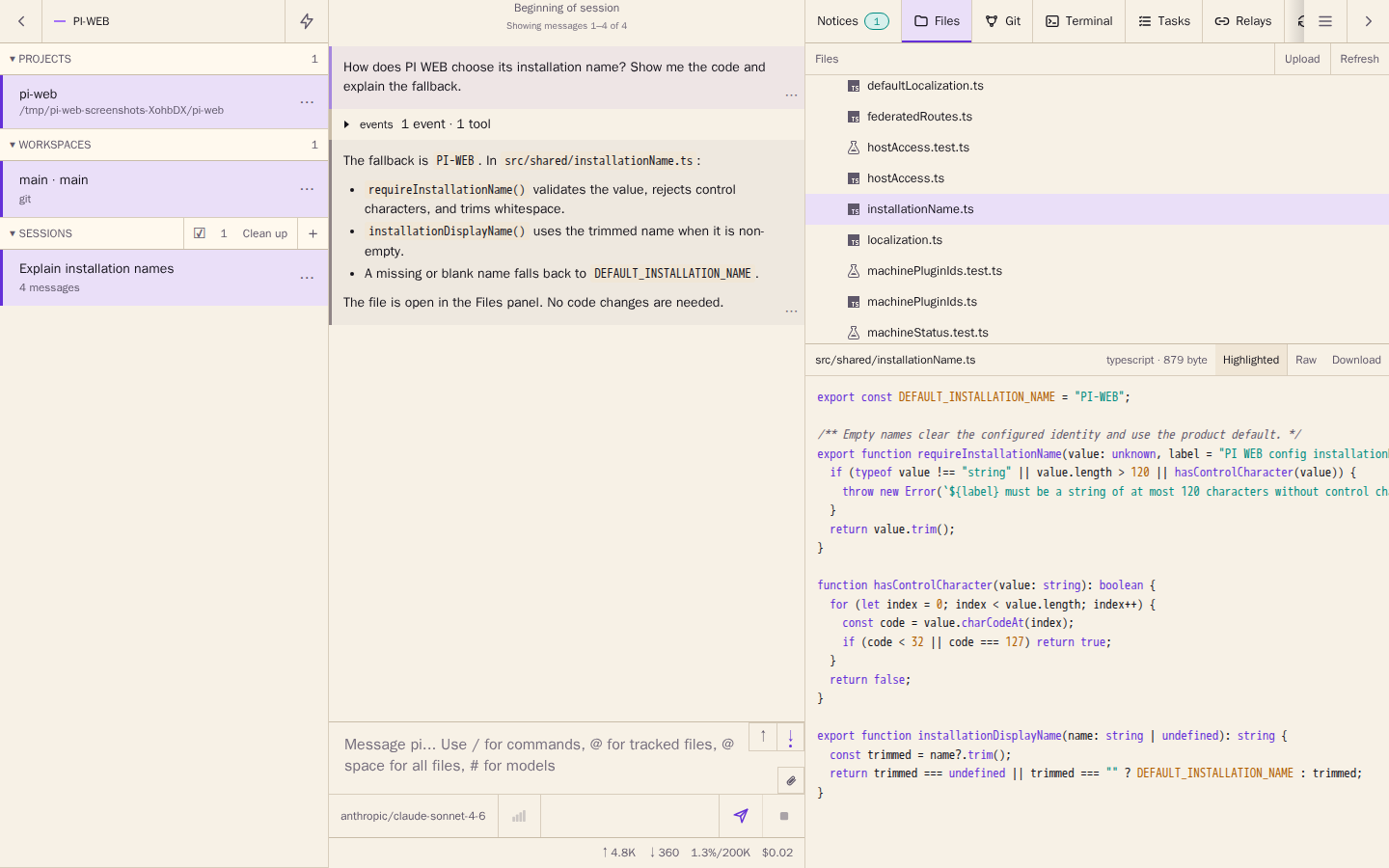
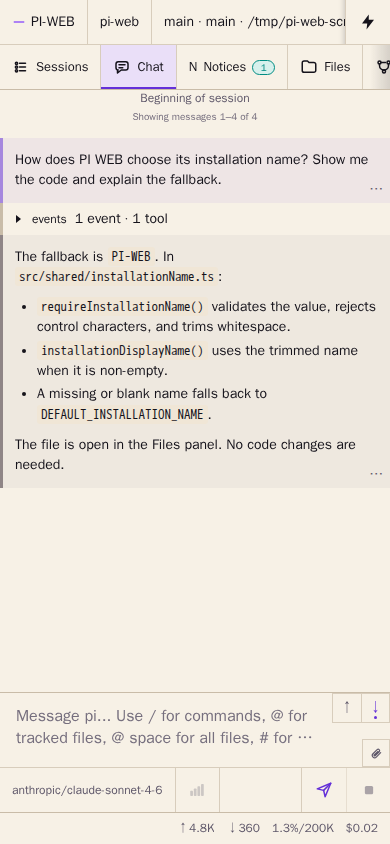
Example session shown on desktop and phone.
See the desktop and phone interfaces
Quick start
The recommended setup uses Node.js 22.19.0+, npm, a supported Pi Coding Agent installed and configured for your user, git, and the development tools your agents need. Best-effort Bun support is also available.
npm install -g @jmfederico/pi-web --allow-scripts=node-pty
pi-web install
pi-web doctor
On npm 12, the scoped flag lets node-pty prepare its required native module.
Open http://127.0.0.1:8504. Add a project, choose a workspace or Git worktree, and start a session.
pi-web status
pi-web logs
pi-web restart
pi-web update
pi-web uninstall
For installation variants, Docker, and remote access, see the installation guide.
Core model
- Machine: a local or remote PI WEB runtime.
- Project: a folder on that machine.
- Workspace: a working folder, such as a Git worktree.
- Session: a Pi Coding Agent conversation running in a workspace.
Use files, terminals, plugins, and agent workflows in one UI. Register remote machines to supervise work across a fleet.
Security
PI WEB assumes trusted users, repositories, paths, and plugins. It is not a sandbox or a multi-tenant platform.
For remote access, use a trusted private network, VPN, SSH tunnel, or authenticated reverse proxy. Do not expose PI WEB directly to the public internet.
Documentation
Development
npm install
npm run dev
Open the Vite URL, usually http://localhost:8505. See development checks for verification guidance.
License
MIT © 2026 Federico Jaramillo Martinez. See LICENSE.