
Install
Install with PiG
pig install npm:@fastagent-sh/pi-deepseek-toolsInstall with Pi
pi install npm:@fastagent-sh/pi-deepseek-toolsPackages run code with your permissions and influence agent behavior. Catalog inclusion is not a security audit. Review the source before installing a third-party package.
Video
Declared by the package manifest. Open the file ↗
Pi manifest JSON
The pi field of package.json.
{
  "image": "https://cdn.jsdelivr.net/gh/fastagent-sh/pi-deepseek-tools@main/assets/banner.png",
  "video": "https://cdn.jsdelivr.net/gh/fastagent-sh/pi-deepseek-tools@main/assets/demo.mp4",
  "extensions": [
    "./index.ts"
  ]
}
README
Written by the package's publisher, shown as published in version 1.0.3 (README.md). PiG does not review it.
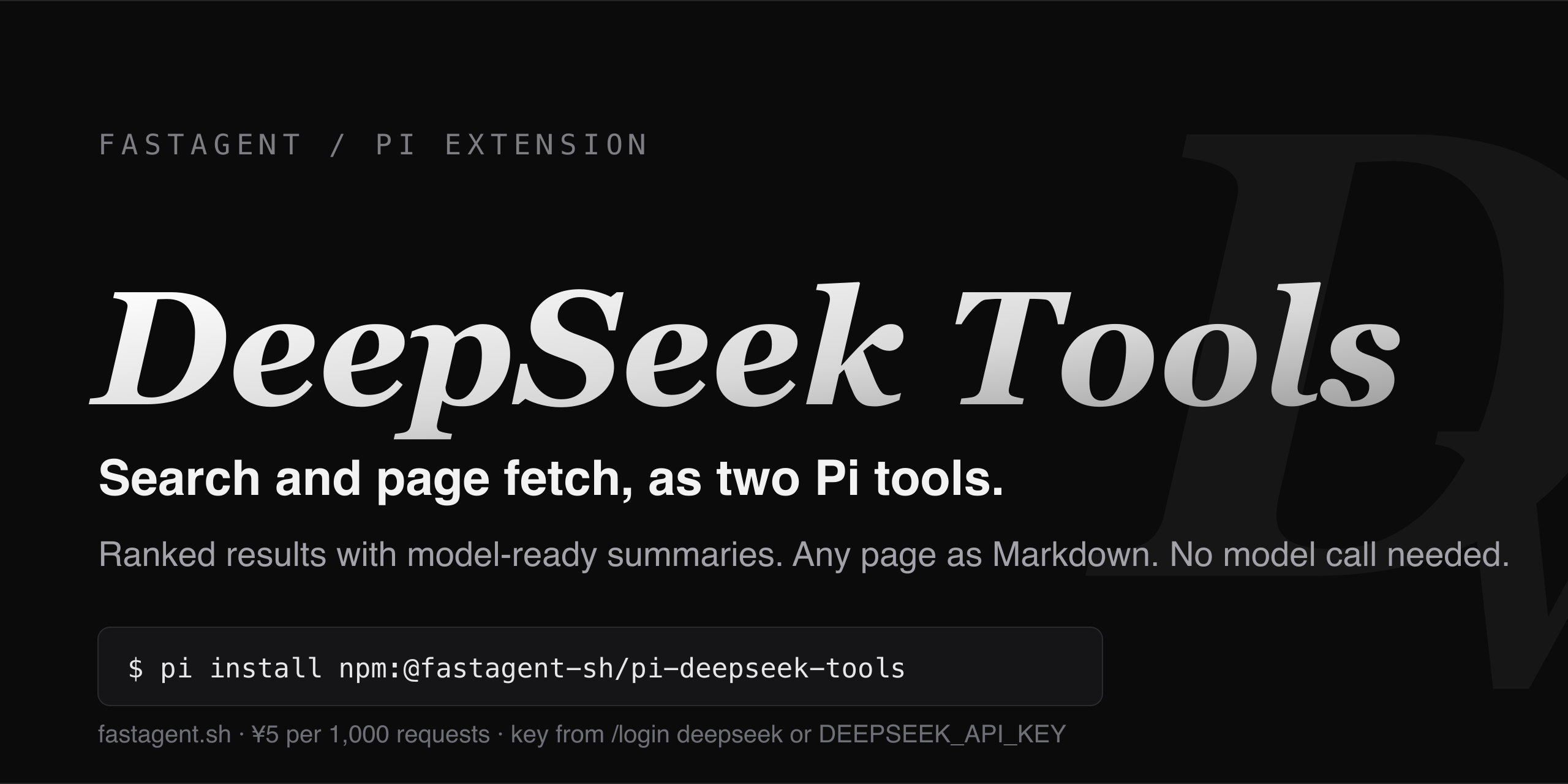








Two Pi tools for DeepSeek's Search and Fetch APIs: ranked web results with model-ready summaries, and any page as Markdown. No model call is involved on either path.
pi install npm:@fastagent-sh/pi-deepseek-tools
| Tool | Endpoint | Returns |
|---|---|---|
deepseek_search | POST /v1/tools/search | Ranked results: title, URL, a summary written for models (typically 600-800 characters), site, date, rerank_score (0-3), authority (0-4), optional page text |
deepseek_fetch | POST /v1/tools/fetch | One page as a title plus Markdown body |
Why this package
- It loads next to
pi-web-access. The tools are nameddeepseek_searchanddeepseek_fetch, so they do not replace or clash withweb_searchandfetch_content. Use DeepSeek for cheap research and the local extractors for the rest. - The ranking is in the result.
rerank_scoreandauthoritycome back with every hit, and the summary is written for a model to read, so the agent can judge a source before fetching it. - No extra configuration. The key is the DeepSeek credential pi already holds.
| (blank) | pi-deepseek-tools | pi-web-access | pi-web-search |
|---|---|---|---|
| Tool names | deepseek_search, deepseek_fetch | web_search, fetch_content | web_search, url_context |
| Coexists with the other two | yes | — | yes |
| Providers | DeepSeek only | many search providers, local extraction | provider-native search |
| Model call needed | no | no | yes |
Cost
DeepSeek bills ¥5 per 1,000 successful requests for each endpoint, $0.75 on the English price list, and charges nothing for failed requests or a search that returns no results.
| API | List price per 1,000 requests |
|---|---|
| DeepSeek Search / Fetch | ¥5, $0.75 in USD |
| Brave Search | $5 |
| Tavily (basic search) | $5-8 |
| Exa (search) | from $4 |
List prices in October 2026. api.deepseek.com is reached directly from mainland China, so neither the key nor the requests need a proxy.
API key
Pi owns credentials: /login deepseek in a session, or pi auth from a shell. This package reads, in order:
DEEPSEEK_API_KEY- The
deepseekcredential frompi auth(~/.pi/agent/auth.json, or$PI_CODING_AGENT_DIRwhen set) deepseekApiKeyinweb-search.jsonnext toauth.json(the fieldpi-web-accessuses)
Tools
deepseek_search
| Parameter | Type | Notes |
|---|---|---|
query | string, required | 1-128 characters. Operators pass through: site:, -site:, -word, -"phrase", "phrase", lang:zh,en, after:2025-01-01, before:2026-06-01 |
count | integer | 1-50, default 5. Five results keep one search near 3k tokens; raise it for research |
includeContent | boolean | Also return extracted page text per result (default false). Costs context; prefer deepseek_fetch for one page |
deepseek_search {"query": "deepseek v4 release site:github.com OR site:huggingface.co lang:en after:2026-01-01", "count": 5}
deepseek_fetch
| Parameter | Type | Notes |
|---|---|---|
url | string, required | HTTP(S) URL with a host, no credentials, at most 8192 characters |
Text output is truncated at 50 KB / 2000 lines. A page that exceeds the limit is also written to a temp file and the result names its path. Both tools declare an outputSchema, so codemode scripts receive structuredContent instead of text.
Commands and terminal UI
One command, named after the package. It reports state; setting a key stays with Pi (/login deepseek).
| Command | What it does |
|---|---|
/deepseek-tools | Toggle the tools for this session; ctrl+shift+d does the same |
/deepseek-tools status | State, key source (masked), default result count, calls and spend this session |
/deepseek-tools test | One real search, reported with latency and cost |
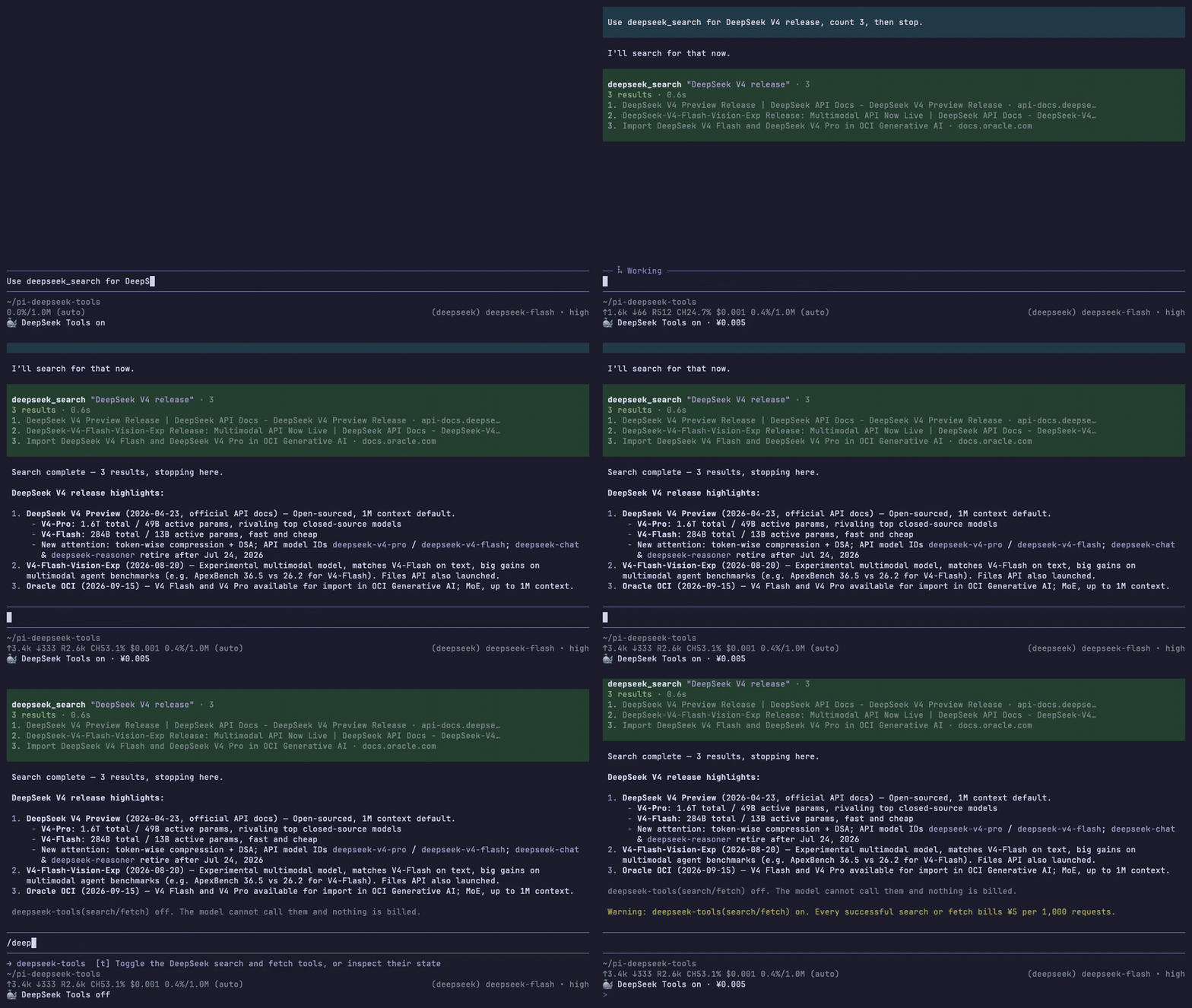
The footer always shows the DeepSeek whale and the state, so a paid call is never a surprise: 🐳 on, the same with · ¥0.015 once a session has spent money, 🐳 off, or 🐳 no key · /login deepseek. From 100 columns up it also carries the name, 🐳 DeepSeek Tools on · ¥0.015, and it re-renders when the terminal is resized. Turning the tools off removes them from the model's toolset, so it cannot call them and nothing is billed.
The tools are on by default. To start every session with them off, add this to ~/.pi/agent/settings.json:
{ "deepseek-tools": { "enabledByDefault": false } }
Tab completes the actions. Tool rows stay compact while a session runs: a search shows 2 results · 0.8s plus the first three titles with their hosts, and a fetch shows the page title, size and whether it was truncated. Expand the row to read the full result text.
Behavior
- Retries HTTP 408, 429 and 5xx up to three attempts, honoring
Retry-Afterand capping the delay at 5 s. Other 4xx errors fail immediately with the API message. - Timeouts: 30 s for search, 60 s for fetch.
- Results without an
http(s)URL are dropped; an emptyresultsarray is a normal "no results" answer. - Failures surface as
POST /v1/tools/search failed with HTTP <status>: <message>.
Limits and cost
Each endpoint allows 5 QPS per account; the retry loop absorbs bursts from parallel tool calls. A query over 128 characters is rejected before the request is sent. Billing follows the DeepSeek price list: only a request that returns results is charged.
Known limitations
- A site's own error page comes back as content when DeepSeek can extract it, so a successful fetch does not prove the URL existed.
- Some sites are refused by DeepSeek's fetcher (Wikipedia is one). The error names the reason, and the search summary usually carries enough to answer.
- Network failures other than timeouts are reported without a retry.
- Queries, and every URL you fetch, are sent to
api.deepseek.com. Nothing is fetched from this machine.
Development
npm install
npm test        # node --test against a local mock server
npm run typecheck
The demo above is recorded from the real terminal: ./scripts/record-demo.sh prepares a clean agent directory in ~/pi-deepseek-tools and drives vhs through a search and the on/off toggle. It needs vhs, ttyd, ffmpeg and a DeepSeek credential in the pi agent directory.
Publishing runs from a GitHub Release (v1.0.0) through Trusted Publishing with provenance; see .github/workflows/publish.yml.
fastagent
This extension is one of the Pi packages published by fastagent, the runtime that turns a local agent directory into a live service in your app, on Telegram, Slack or Feishu, or behind any channel.
- github.com/fastagent-sh/fastagent — the runtime, MIT
- fastagent.sh — the docs
- github.com/fastagent-sh — every package, including
@fastagent-sh/fastagentand@fastagent-sh/pi-web-access - @kid7st — build notes and releases
License
MIT