
Install
Install with PiG
pig install npm:@bacnh85/pi-themesInstall with Pi
pi install npm:@bacnh85/pi-themesPackages run code with your permissions and influence agent behavior. Catalog inclusion is not a security audit. Review the source before installing a third-party package.
Pi manifest JSON
The pi field of package.json.
{
  "image": "https://raw.githubusercontent.com/bacnh85/pi-extensions/main/pi-themes/previews/dark.png",
  "themes": [
    "./themes"
  ]
}
README
Written by the package's publisher, shown as published in version 0.2.2 (README.md). PiG does not review it.
@bacnh85/pi-themes
A collection of custom pi themes. Currently includes three Ayu-based color variants and a Catppuccin Mocha variant.
Install
pi install npm:@bacnh85/pi-themes
Or for local development:
pi install ./pi-themes
Then select a theme via /settings in pi.
Themes
| Theme | Background | Accent | Description |
|---|---|---|---|
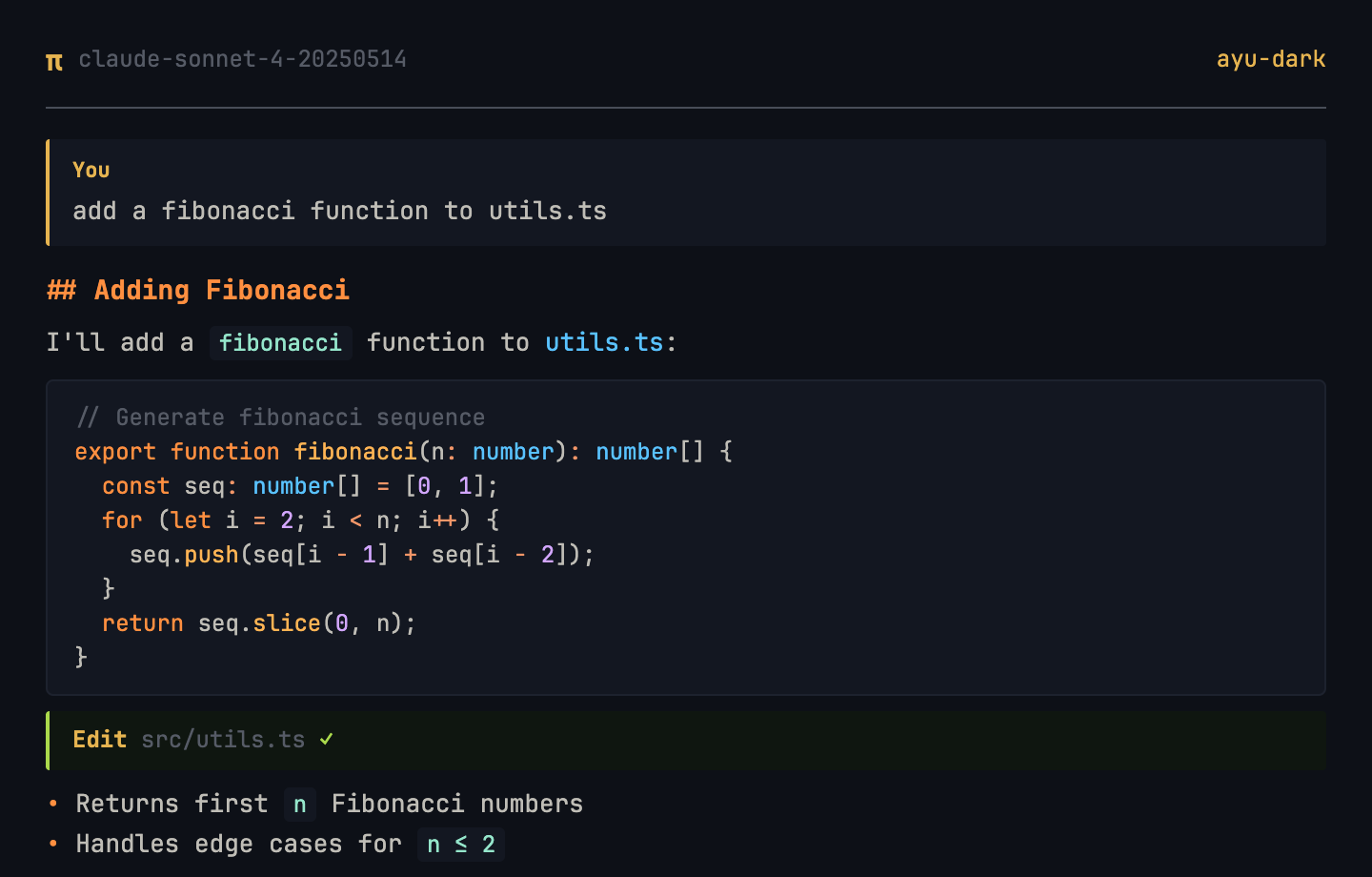
pi-dark | #0D1017 | #E6B450 | Ayu dark variant — deep blue-black |
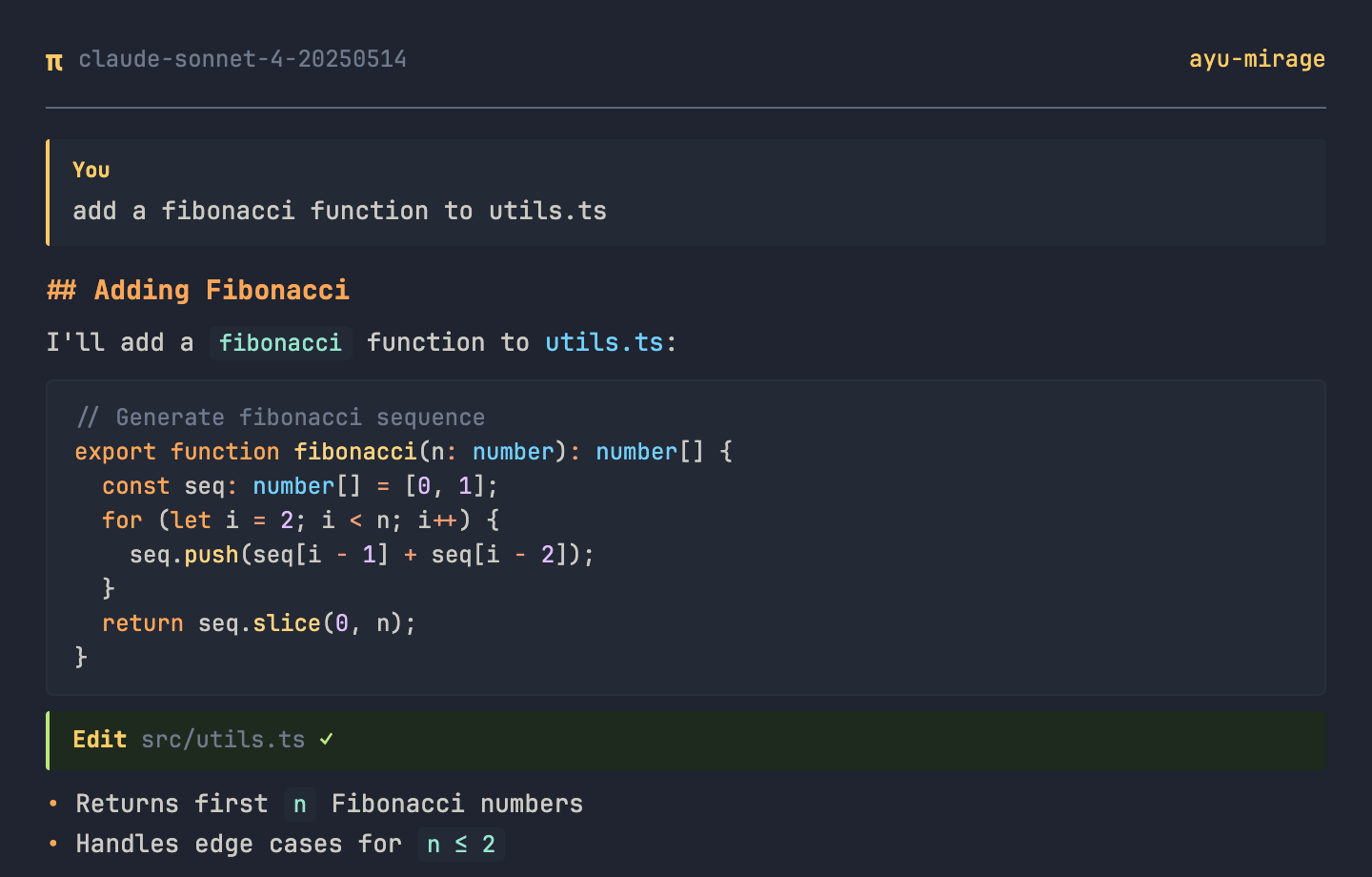
pi-mirage | #171B24 | #FFCC66 | Ayu mirage variant — soft dark blue |
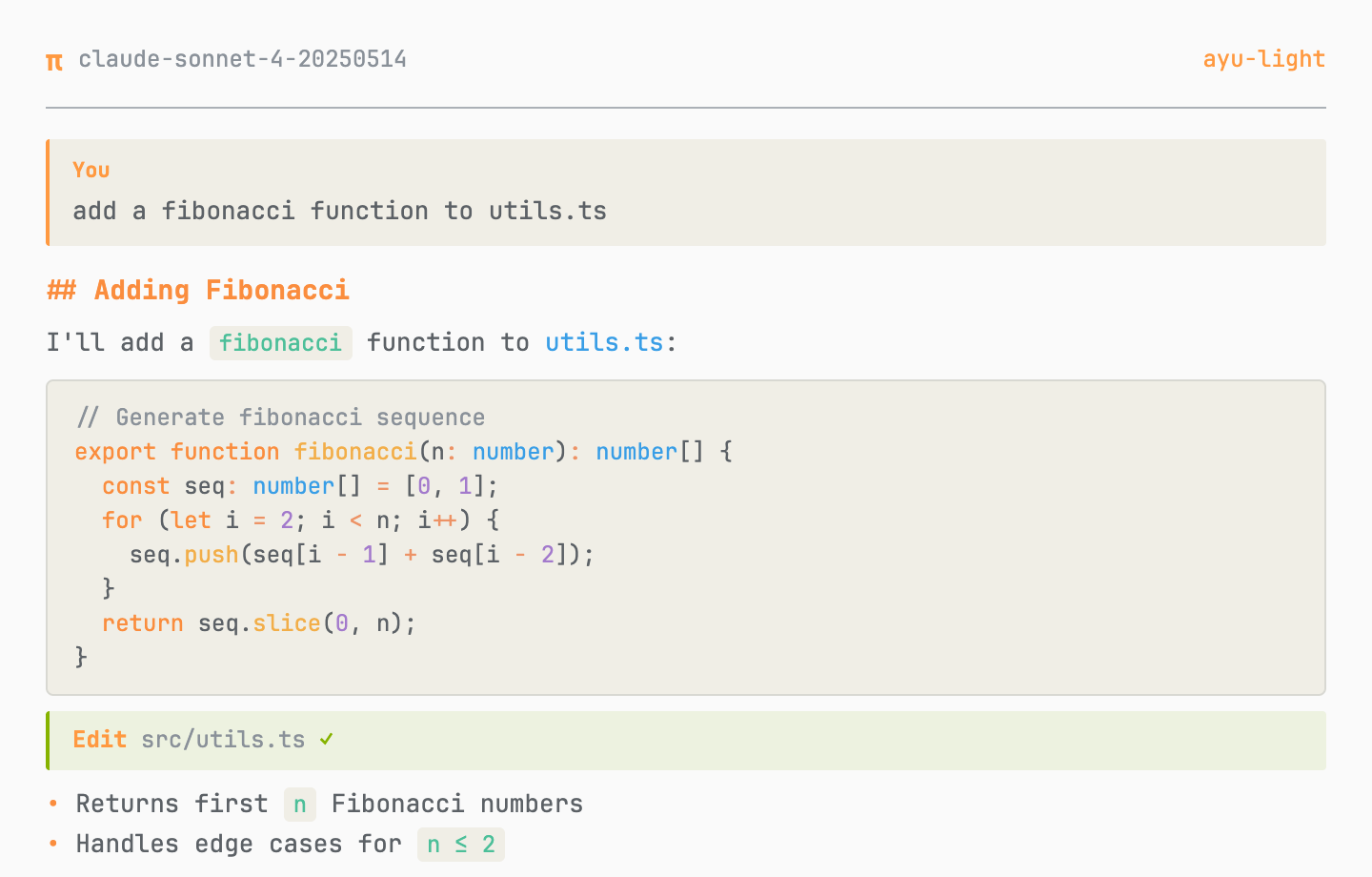
pi-light | #FAFAFA | #FF9940 | Ayu light variant — warm white |
pi-catppuccin-mocha | #1E1E2E | #CBA6F7 | Catppuccin Mocha — matches herdr's default catppuccin theme |
Previews
pi-dark
pi-mirage
pi-light
(pi-catppuccin-mocha has no preview PNG yet — the theme itself is validated and installable.)
Validation
Run npm test to validate every theme JSON against the token schema
(scripts/validate-themes.mjs) before publishing.
Future Themes
This is a themes collection. Additional variants (e.g., solarized, nord, custom) will be added as new JSON files in this package.
Attribution
Colors sourced from ayu-colors. Initial pi theme port based on iodic/pi-ayu-themes. Both projects are MIT-licensed.
pi-catppuccin-mocha uses the official Catppuccin Mocha palette (MIT-licensed ports and palette).
License
MIT