
Install
Install with PiG
pig install npm:@aliou/pi-syntheticInstall with Pi
pi install npm:@aliou/pi-syntheticPackages run code with your permissions and influence agent behavior. Catalog inclusion is not a security audit. Review the source before installing a third-party package.
Video
Declared by the package manifest. Open the file ↗
Pi manifest JSON
The pi field of package.json.
{
  "image": "https://assets.aliou.me/github/aliou/pi-synthetic/banner.png",
  "video": "https://assets.aliou.me/github/aliou/pi-synthetic/demo.mp4",
  "extensions": [
    "./extensions/provider/index.ts",
    "./extensions/web-search/index.ts",
    "./extensions/command-quotas/index.ts",
    "./extensions/fast-mode/index.ts",
    "./extensions/quota-warnings/index.ts",
    "./extensions/usage-status/index.ts"
  ]
}
README
Written by the package's publisher, shown as published in version 0.32.2 (README.md). PiG does not review it.
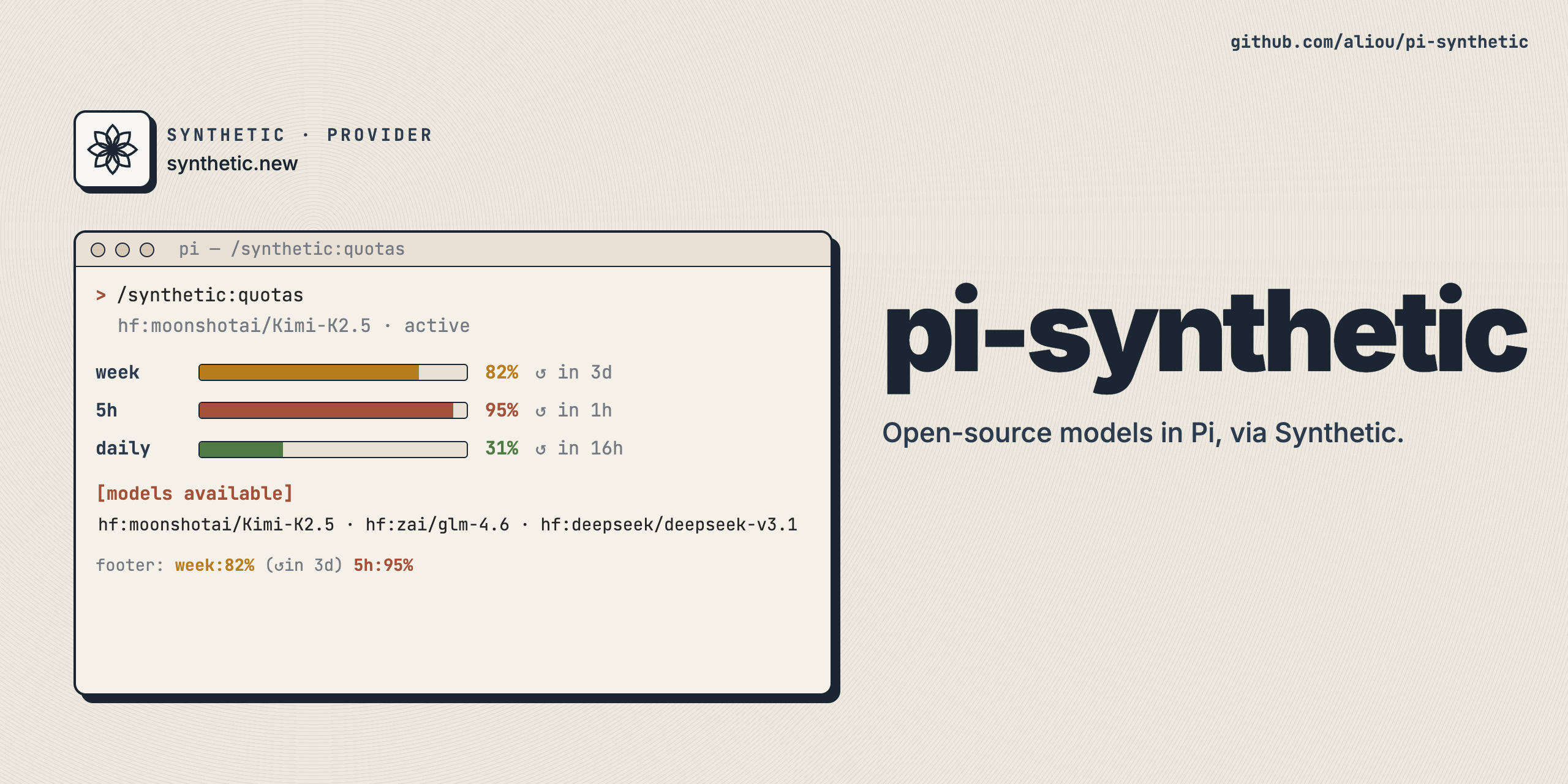
pi-synthetic
A Pi extension that adds Synthetic as a model provider: open-source models, an optional zero-data-retention web search tool, and live quota tracking.
Setup
Get an API key (referral link): synthetic.new
Install:
pi install npm:@aliou/pi-syntheticRun
/login syntheticand paste the key.
Without a key the extension still loads, but no models appear in /model until credentials exist.
Usage
Select the provider and pick a model:
/model synthetic syn:large:text
The syn:large:text-style category IDs always route to the current best model in their category.
Features
- Web search — adds an optional
synthetic_web_searchtool, zero data retention. It appears once a session-start check confirms a Synthetic subscription. Read more about it. - Provider API — pick the OpenAI-compatible or Anthropic-compatible surface under
/synthetic:settings→ Provider > API (defaultopenai-completions, applies after/reload). The Anthropic surface streams real thinking blocks and native tool calls; some models cannot turn reasoning off on it. - Fast mode —
/synthetic:fasttoggles the current session's model between the regular andfast:variant (the fast one uses twice the quota). Optionally enable Provider > Fast Models to register afast:variant of every model for direct selection in/model(applies after/reload). The usage widget shows⚡while a fast model is selected. - Quotas —
/synthetic:quotasshows current usage; the footer widget shows live quota percentages; quota warnings notify on severity transitions. History for projections is stored locally (up to 14 days) and only while warnings are enabled.
Library Use
The provider is also published as @aliou/pi-synthetic/provider for hosts building on pi-ai, so the same Synthetic models and catalog work outside the coding agent:
import { createModels } from "@earendil-works/pi-ai";
import createSyntheticProvider from "@aliou/pi-synthetic/provider";

const models = createModels({ credentials, modelsStore });
models.setProvider(createSyntheticProvider({ api: "openai-completions" }));
await models.refresh();
The durable extension is available as @aliou/pi-synthetic/durable and ships only the synthetic_web_search tool for pi-durable hosts:
import { createRegistry } from "@earendil-works/pi-durable";
import createSyntheticExtension from "@aliou/pi-synthetic/durable";

createRegistry().install(createSyntheticExtension());
Disabling Features
Turn features off with their toggles in /synthetic:settings. Entire extensions can also be disabled via pi config, or with +/- prefixed paths under the package's extensions entry in ~/.pi/agent/settings.json (e.g. "-extensions/usage-status/index.ts"). The extension directories are provider, web-search, fast-mode, command-quotas, usage-status, and quota-warnings.